Mantis Encoder
Page 11
Mantis Encoder
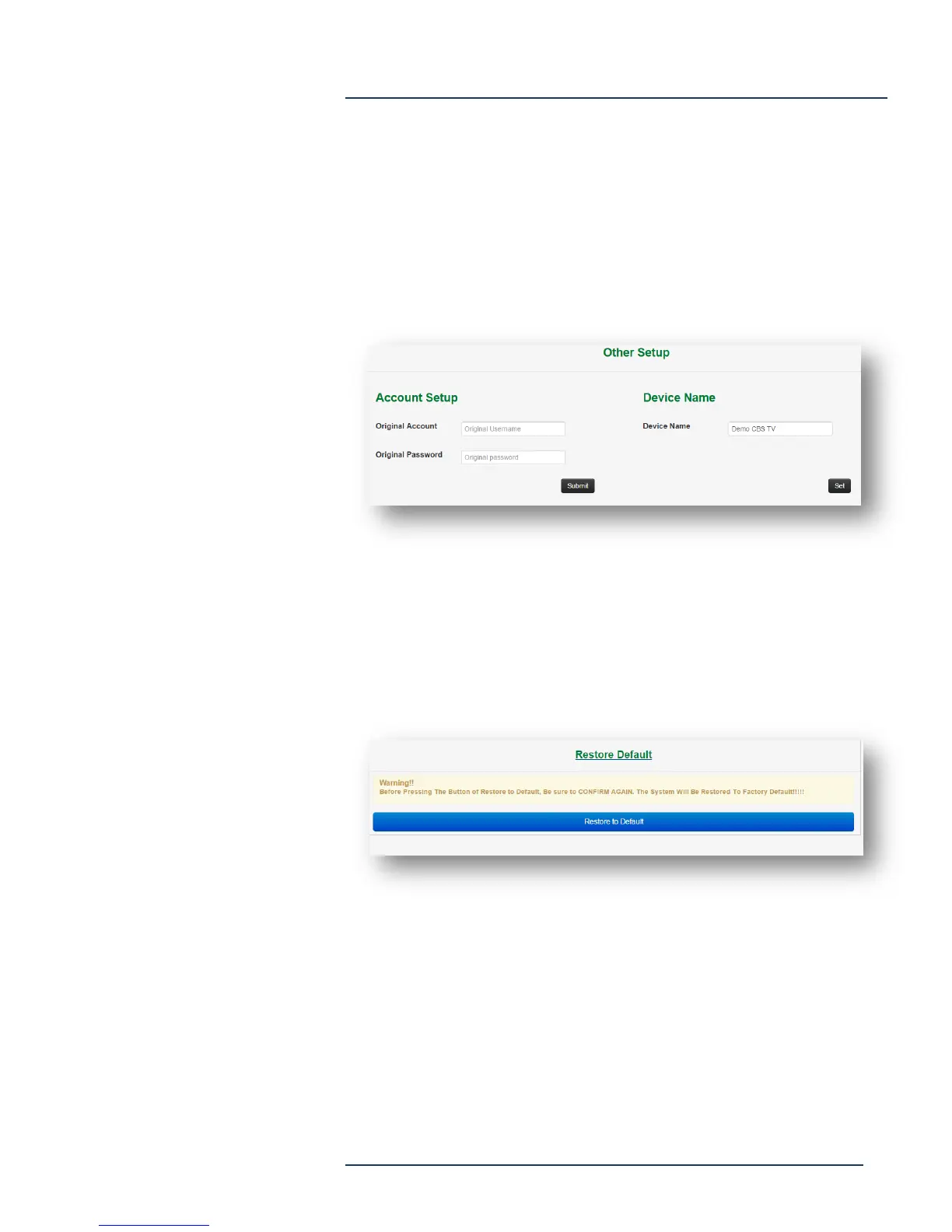
Other Setup
Select Other Setup to change the system password. Enter the original
Account (username) and password then select “Submit”, then enter
new Account (username) and password. Enter a device name for the
Mantis, which will show up in the Mantis Finder program to ease
device identification.
Restore Default
Select Restore Defaults to return the Mantis to factory default settings.



 To Next Page