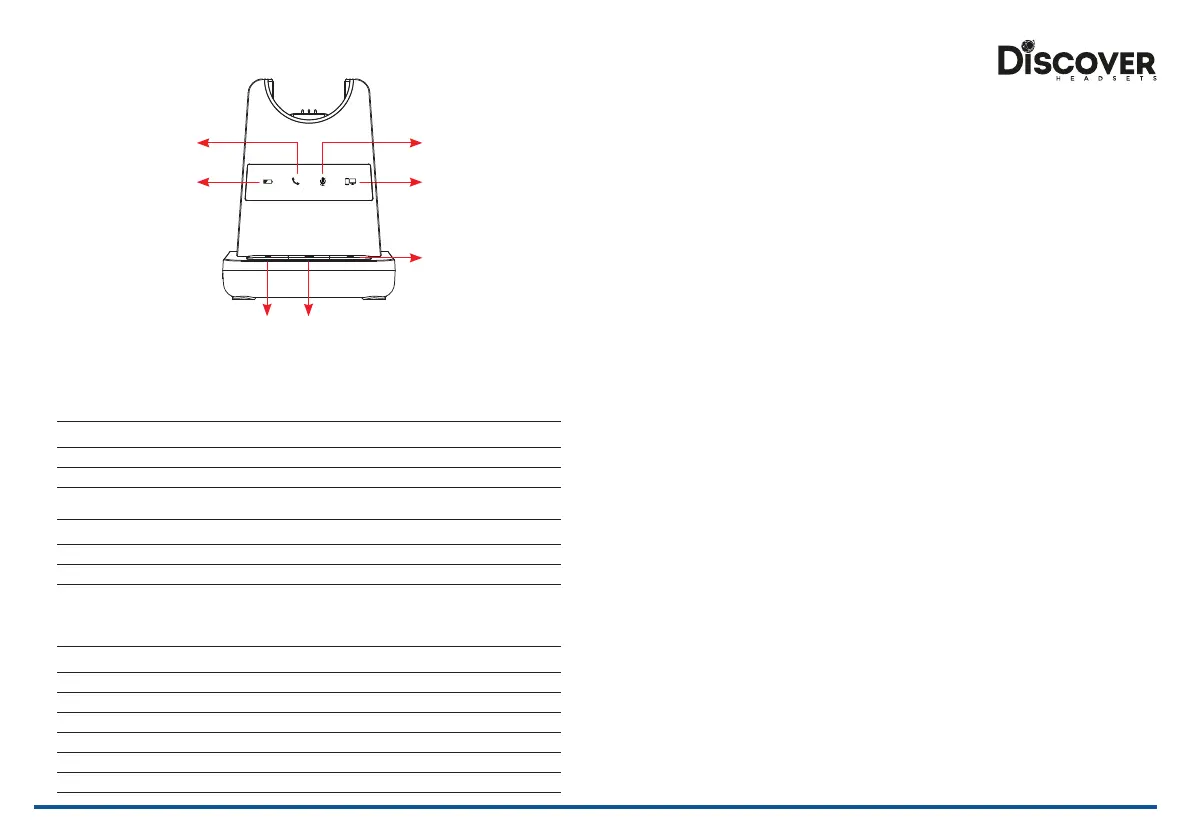
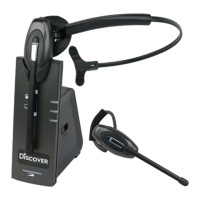
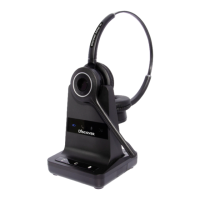
Microphone
Mute Indicator
PC/Bluetooth
Indicator
Battery Charge
Indicator
Telephone
Indicator
Bluetooth
Button
PC/TEL
Selection
Microphone
Mute Button
Visual Indicator
Charging Status LED Status
Charging Battery Indicator: ‘Flashing’ 1 sec-ON, 1 sec-OFF
Fully Charged Battery Indicator: ‘ON’
Low Battery Battery Indicator: ‘Flashing’ 0.5 sec-ON, 0.5 sec-OFF
Event LED Status
Press Microphone Mute Mute Indicator: ‘ON’
Press PC/TEL Selection PC/TEL Indicator - TEL: ‘OFF’ PC: ‘ON’
Hook O Selected Mode Indicator: ‘ON’
Audio Indicator
Event Sound Eect
Speaker / Microphone Volume Beep Sound ‘UP’ - High Tone, ‘DOWN’ - Low Tone
Max/Min Speaker Volume Double beep
Max/Min Microphone Volume Double Beep
Microphone Mute/Unmute Beep / Double Beep
Mute Reminder Beep (every 3 seconds)
Hook O / On Double Beep (High Tone / Low Tone)
Low Battery Continuous beep in headset when battery is low
Base Unit Trouble Shooting
1. Cannot hear a dial tone.
• Check the PC/TEL button. TEL Mute: PC/TEL indicator – ‘OFF’
• Please check the cable connection between Base Unit and Phone.
• Check that the power adapter is plugged in and has power
• Please check the compatibility switch. Adjust compatibility switch until you can hear the
dial tone.
2. Microphone volume (TX) is low / dead.
• Make sure that the microphone (TX) mute function is deactivated.
• Check the position of the boom arm and make sure that the microphone is placed as
close as possible to your mouth (approx. 2 ngers distance).
• Adjust the microphone (TX) volume on the bottom of Base Unit.
3. Buzzing sound on the headset
• Telephone may not be fully immune to the radio transmission between your headset
and Base Unit. To overcome this problem, move the Base Unit to at least 30 cm/12”
away from the phone.
4. Headset echoes
• Adjust the telephone’s volume. If necessary, adjust your microphone volume on the
headset to a lower setting.
5. EHS doesn’t work with the telephone
• Make sure the telephone is compatible with the wireless headset. Refer to the EHS
guide.
6. Headset was working, but it has stopped.
• Headset may need pairing to the Base Unit again. Refer to ‘Note 1’ in the ‘Operating
Instructions’
• Headset battery may be dead. Return the headset to the cradle on the base unit for
charging.


 To Next Page