Page 15
Performing the QAM Frequency Scan
Performing the QAM Frequency Scan
Note: When you turn your receiver on it may display the QAM Frequency
Scan and Signal Strength screen automatically. If it does, then skip down
to Step 5.
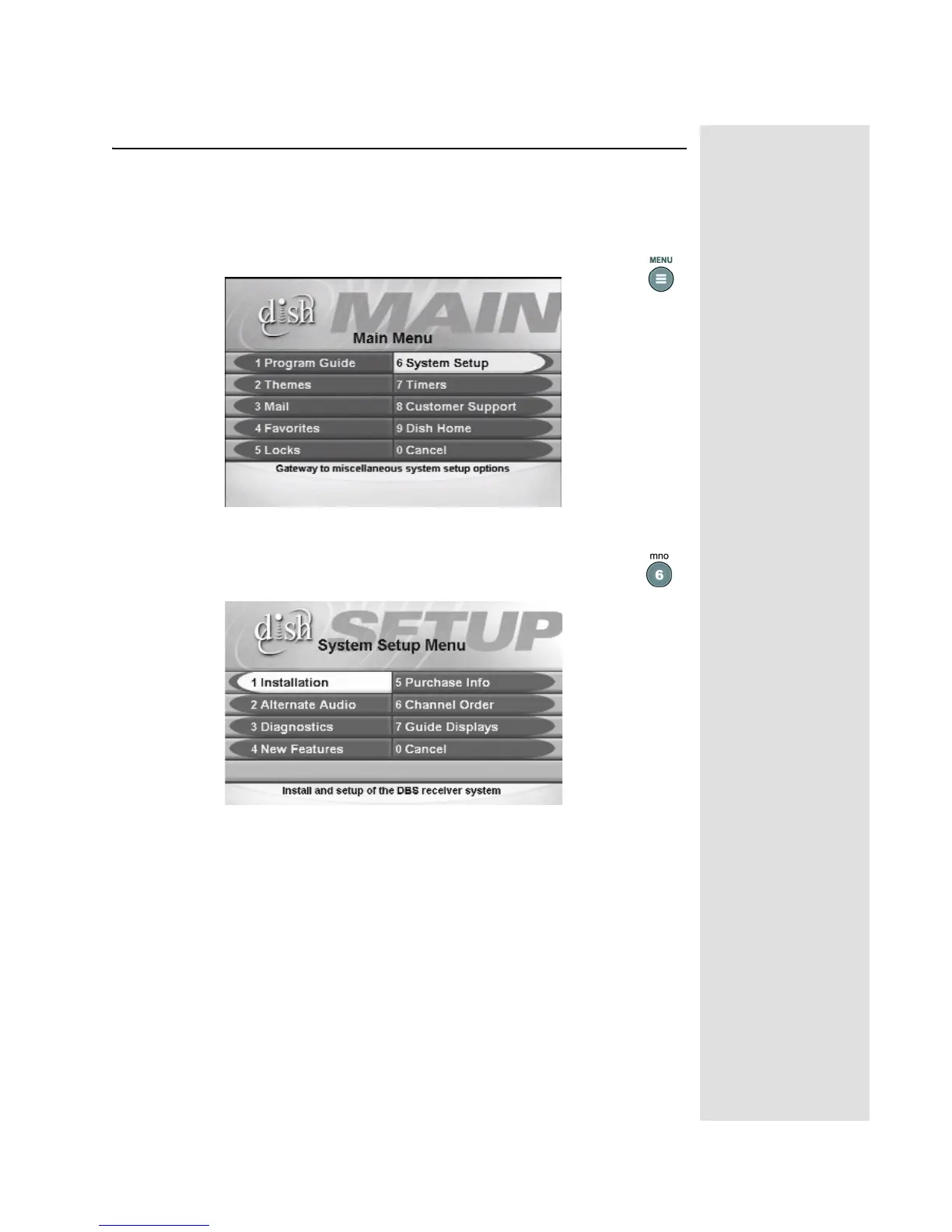
1. Press the MENU button to open the Main Menu.
2. Select the System Setup option on the Main Menu. The Sys-
tem Setup Menu screen is displayed.












 To Next Page