Page 17
Performing the QAM Frequency Scan
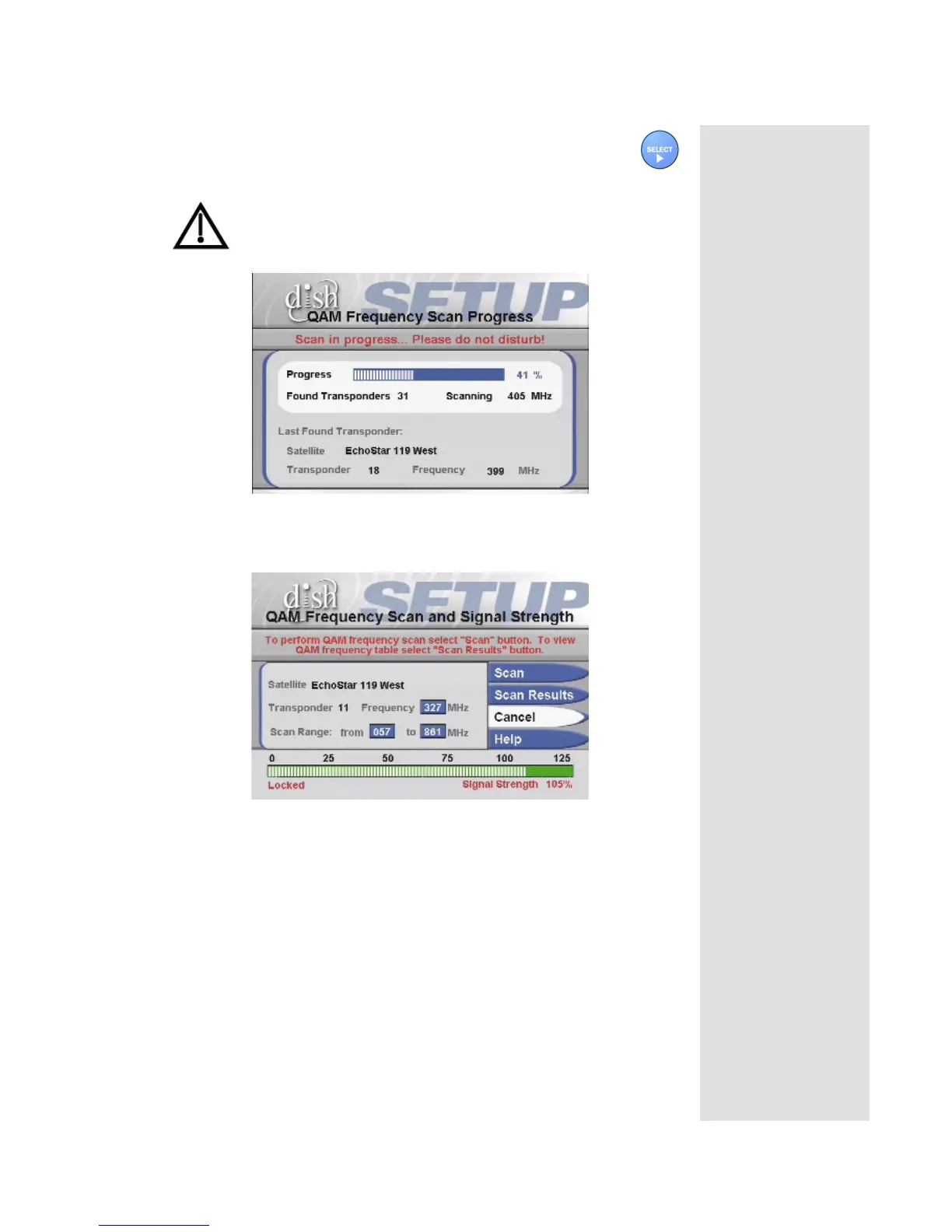
5. Select the Scan option.
While scanning, the receiver displays the QAM Frequency
Scan Progress screen. The scan can take a few minutes.
Note: The receiver creates a table of available satellite
transponders with the corresponding QAM frequencies. This
table is required for correct operations.
The receiver will again display the QAM Frequency Scan and Signal
Strength screen.
Observe that the signal strength bar is now green and displays the word
Locked.
6. To see the completed scan, select the Scan Results button. The receiver
displays the QAM Frequency Scan Results screen.












 To Next Page