Page 58
Chapter 3
Using the System
You must use the remote control’s VCR mode to control a DVD
player.
Power Button
Press the blank POWER button to turn the VCR ON
or OFF.
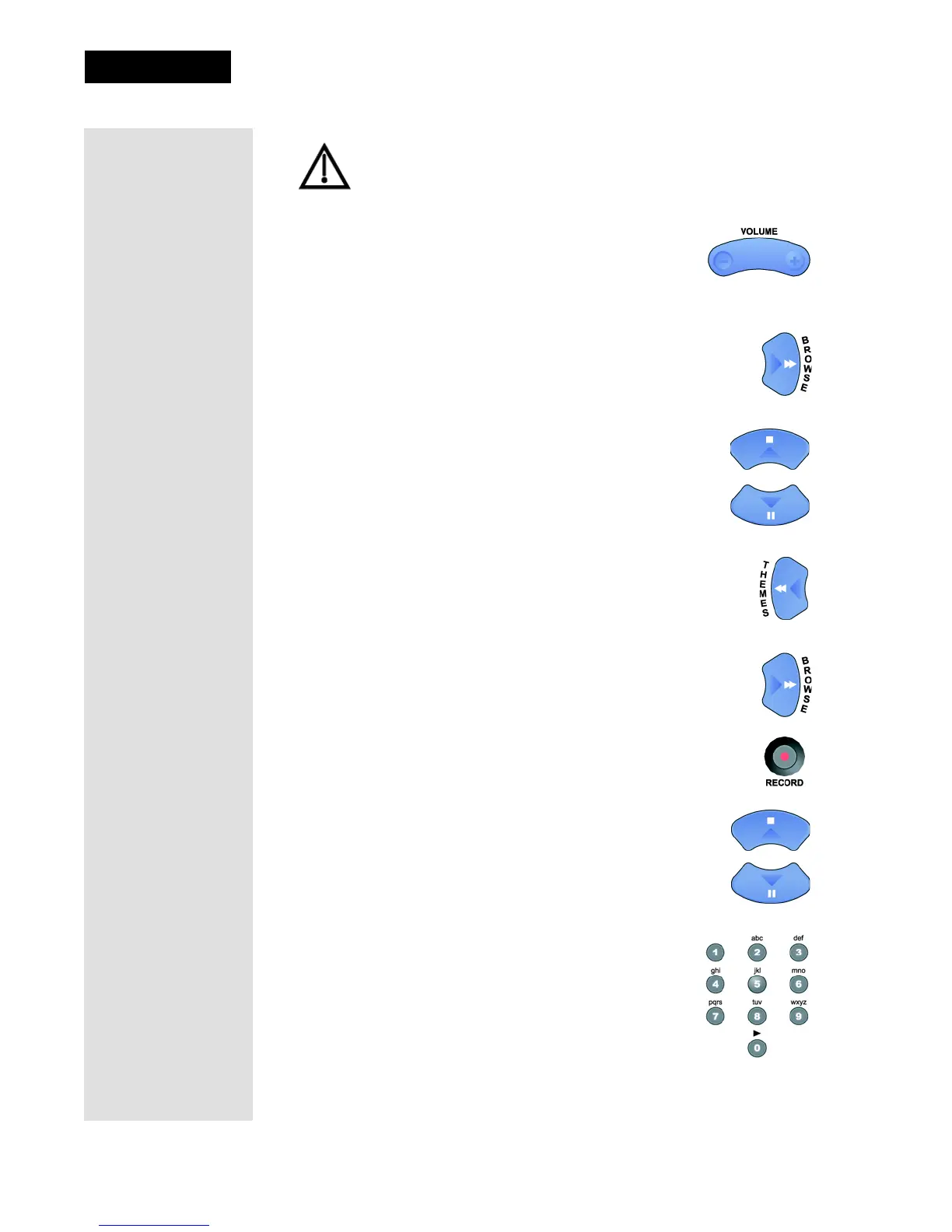
VCR/DVD Buttons
•The RIGHT ARROW button is used to play, or to resume
playing, a videotape or DVD.
•The UP ARROW button is used to stop a videotape or
DVD.
•The DOWN ARROW button is used to pause a videotape
or DVD. Press this button or the SELECT button to
restart the videotape or DVD.
•The LEFT ARROW button is used to rewind a videotape
or reverse a DVD.
•Press the RIGHT ARROW button to forward a videotape or
DVD.
•Press the RECORD button to start recording on a VCR.
Page Up and Page Down Buttons
Use the UP ARROW and DOWN ARROW buttons to
change channels on a VCR.
Number Pad Buttons
Use the NUMBER PAD buttons to enter numbers
in a menu.












 To Next Page