4.
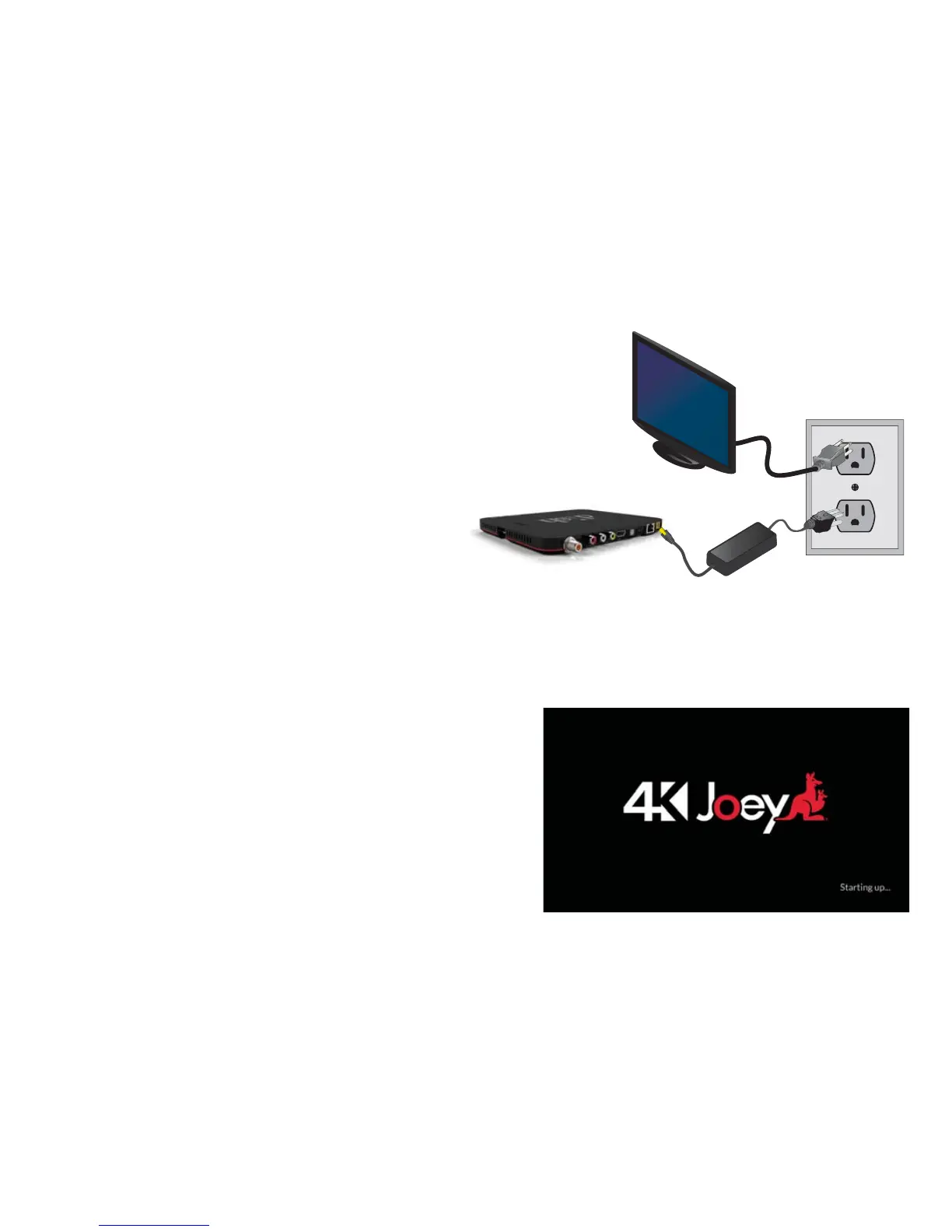
Powering Your Equipment
a.
Make sure your TV power cord is
plugged into the wall outlet and
turn on your TV.
b.
Plug the power cord from
your 4K Joey into a wall outlet.
c.
Your screen should now display the
System Setup screen. If you do not
see this screen, conrm that you are
on the correct input for watching
DISH programming. Check the input
by pressing the Source/Input button
located on the side, back, or front of
your TV.











 To Next Page