Page 13
Quick Tour of Digital Video Recorder Features
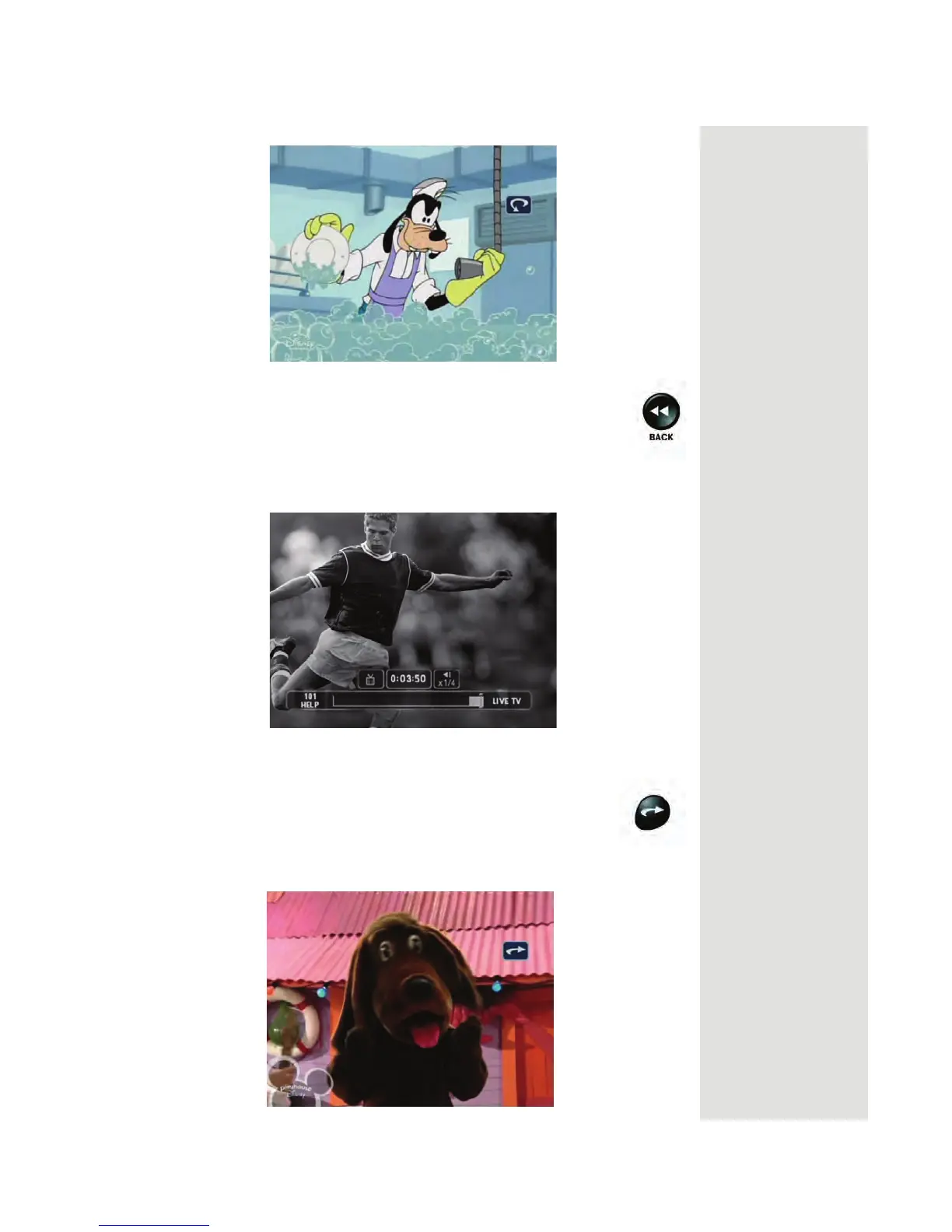
6. Press the PAUSE button and then press the BACK button to
reverse the program in slow motion. Press the BACK button
once to reverse the program 1/4 the speed as normal play.
Press the BACK button twice to reverse at normal speed. As
you press the BACK button repeatedly, the program reverses
faster with each press up to its fastest speed.
7. Press PLAY.
8. Press the SKIP FWD button to skip ahead about 30 seconds
in the play back.
Note: You cannot skip ahead if you are watching live TV.












 To Next Page