Chapter 3
Page 84
Using the System
Receiver Updates
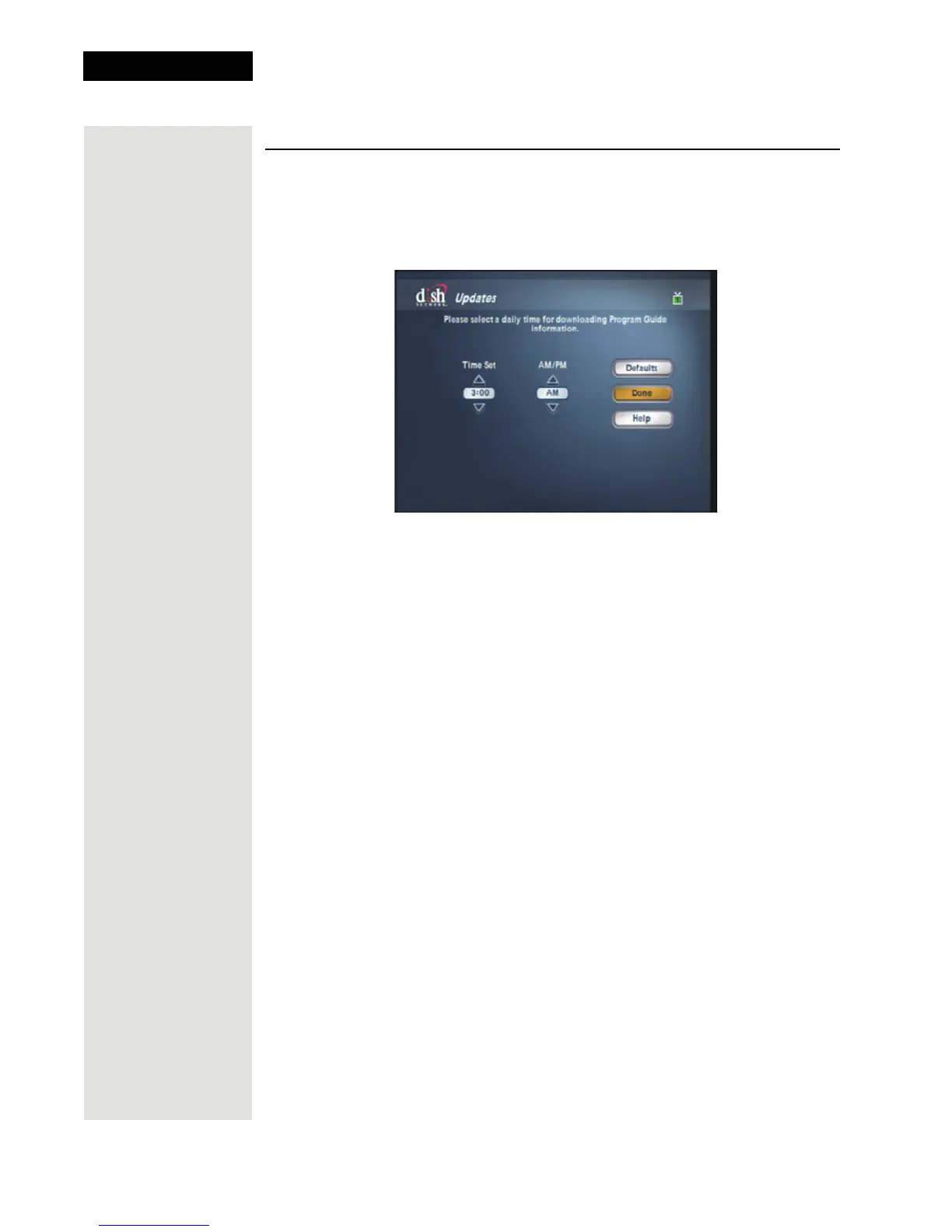
Your satellite receiver is set to turn itself off at 3:00 a.m. so that it can receive
updates to the
Program Guide. To change this update time, complete the
following:
1. Press the MENU 8-5 to open the
Updates screen.
2. Highlight the
Time Set option.
3. Use the UP and DOWN ARROW buttons to highlight the time.
4. Go to the
AM/PM option and use the UP and DOWN ARROW buttons to
select
AM or PM.
5. Select
Done to save your changes and exit this screen.
Note: You can reset any changes you may have made to the Updates
feature by selecting the
Defaults option before exiting this screen.












 To Next Page