Page 15
Quick Tour of Digital Video Recorder Features
15. Now, if you want to take the time, use the Program Guide to find
another program set to start in the next few minutes.
Note: Start watching the program when it starts. Watch the program for
a few minutes.
16. Press the BACK button to reverse the program.
Note: Let the program reverse all the way to its start.
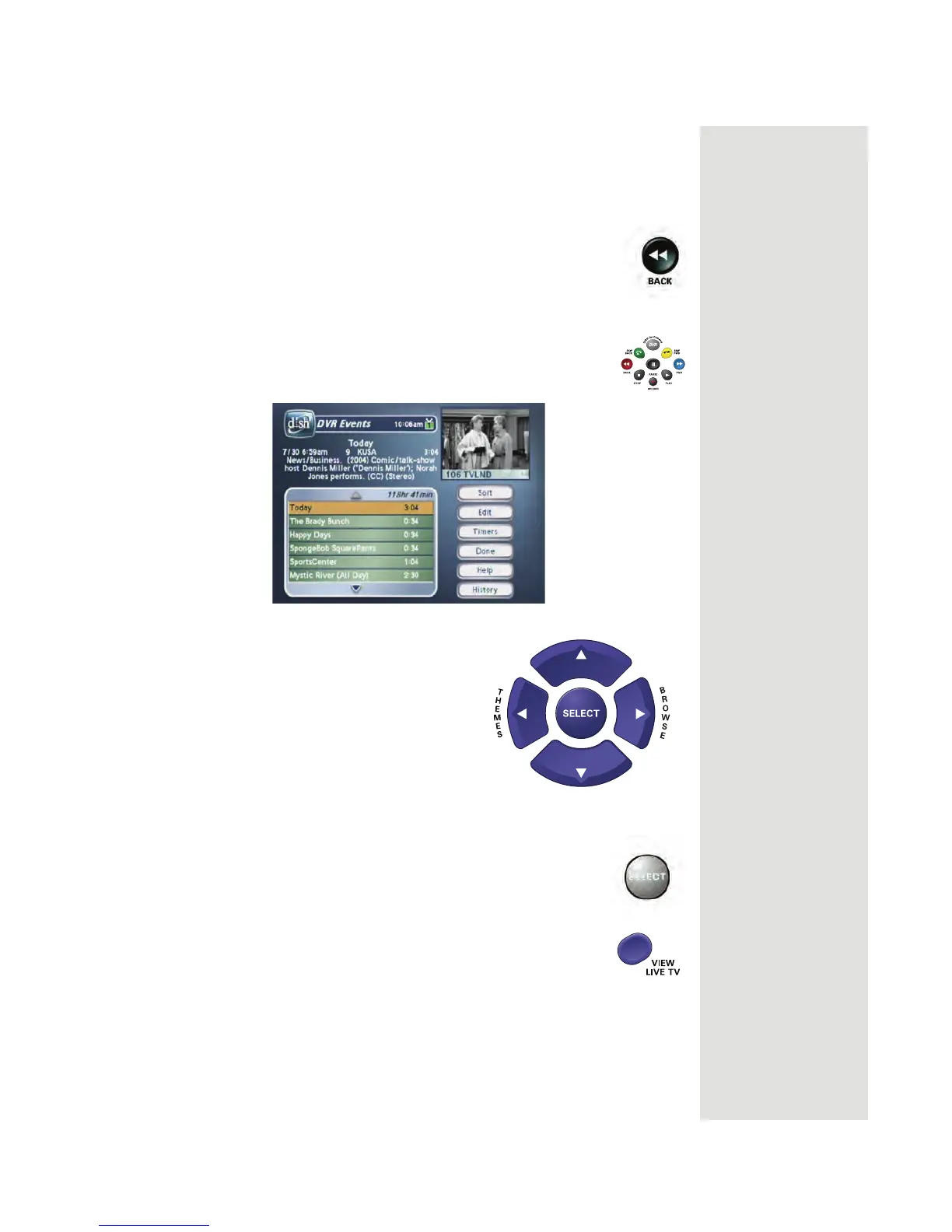
17. Press the DVR button. This opens the
DVR Events menu on
the TV screen.
18. Use the remote control arrow buttons to
highlight an event on the
DVR Events
menu (it’s OK to highlight an event
you’re currently recording).
19. Press the remote control SELECT button to select the
event you highlighted. This opens a menu of info about
that event.
20. Press VIEW LIVE TV to return right away to watching the
program in progress.












 To Next Page