Chapter 3
Page 44
Using the System
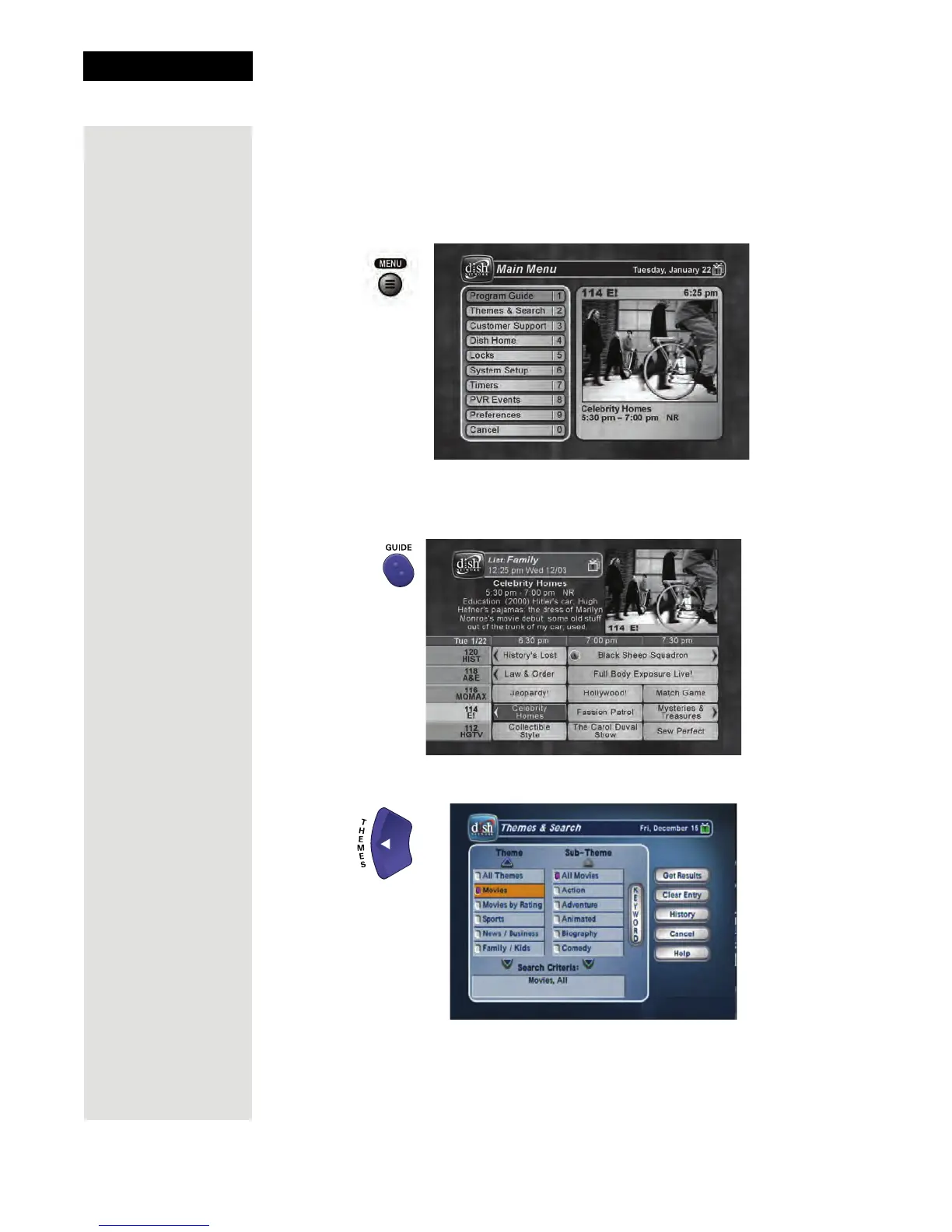
Open and Close Menus
You can open the menus in either of two ways:
• Press the MENU button to open the
Main Menu, then select any of the
other menus to open from the
Main Menu.
• Use the associated buttons on the remote control, for example:
– Open the
Program Guide.
– When watching a program, open the
Themes and Search menu.
Tip: The IR remote
control is used to
control the menus
and select satellite
programming on a
TV connected to
the receiver’s TV1
outputs.












 To Next Page