Chapter 3
Page 92
Using the System
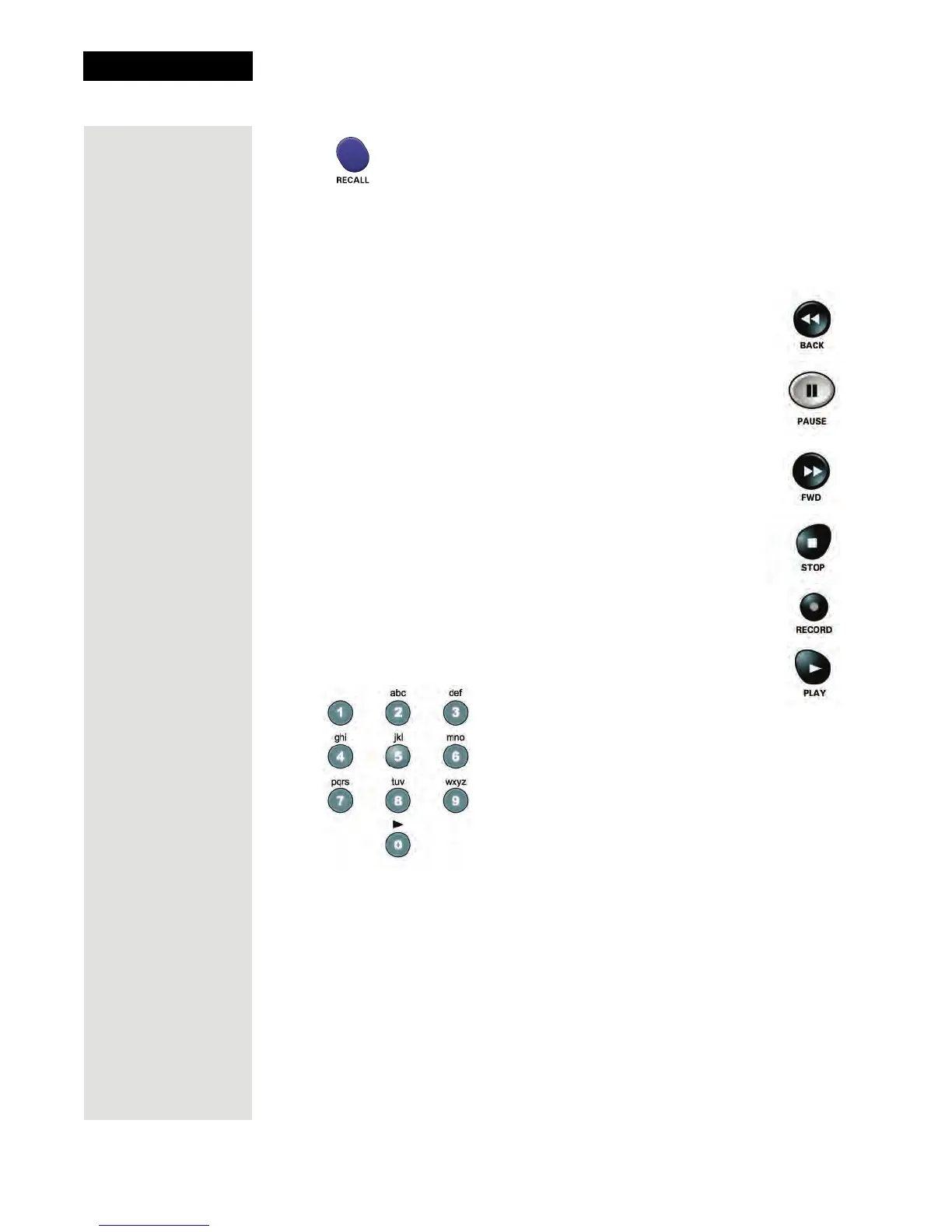
Recall Button
Press the RECALL button to go back to the last VCR channel you viewed. Press
it again to switch between the last two VCR channels you viewed.
VCR Buttons
• Press the BACK button to rewind a videotape.
• Press the PAUSE button to pause a videotape. Press this
button or the PLAY button to go back to playing the tape.
• Press the FWD button to forward a videotape.
• Press the STOP button to stop playing or recording on a
videotape.
• Press the RECORD button to record on a videotape.
• Press the PLAY button to play or to retrun to playing a videotape.
Number Buttons
Use the NUMBER PAD buttons to enter channel numbers.
Note: If the remote control has been set to operate in limited mode, then buttons
in VCR mode will not change channels.












 To Next Page