A
STEP 2: Label and Disconnect Your Cables (Cont.)
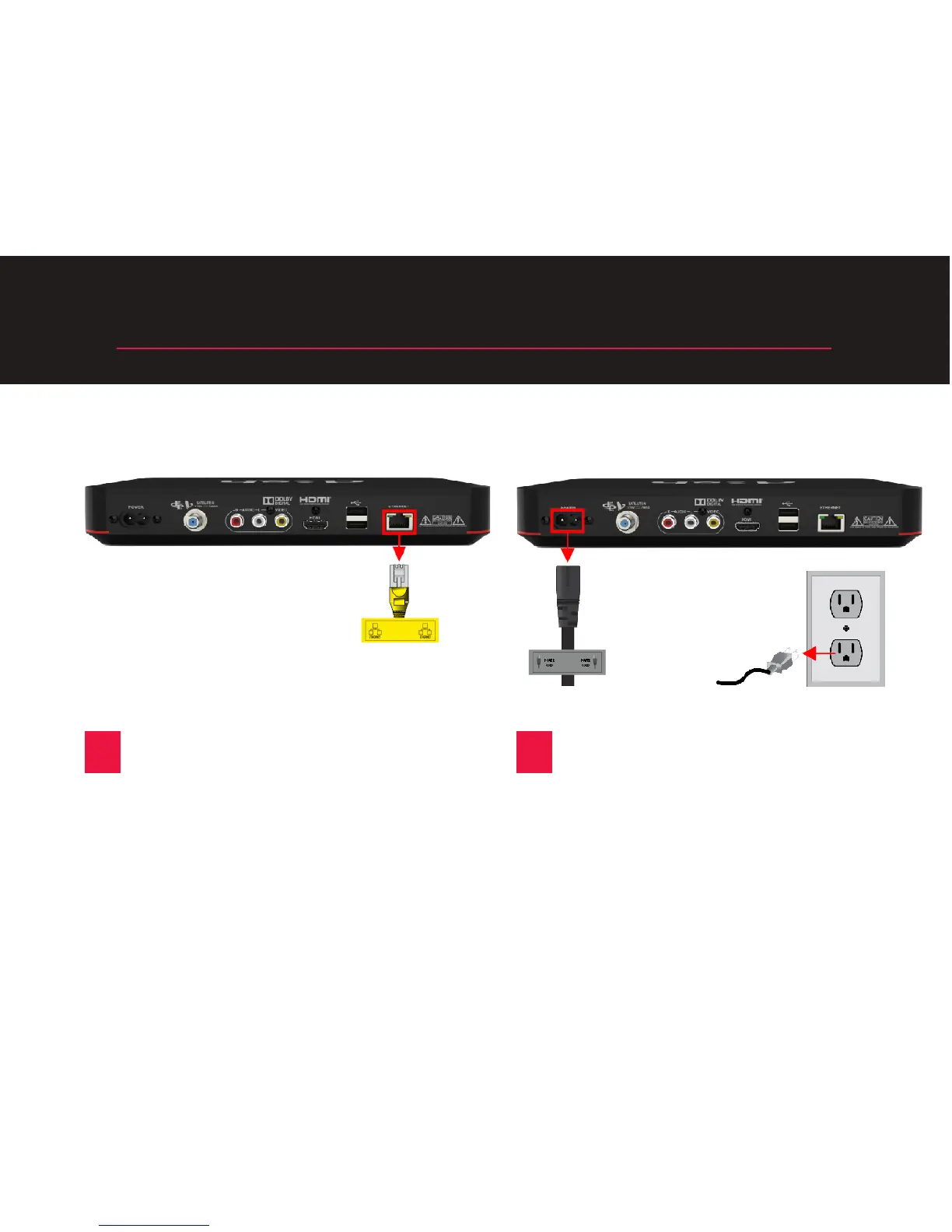
C
Locate the cable connected to the
“Ethernet” port, and aach the
yellow label to it. Then, unplug
it from the receiver. Do not
disconnect it from the wall. (You
may not have this cable.)
D
Disconnect the power cord from
the original receiver and the wall.
A new power cord was shipped
with your replacement Wally.
4










 To Next Page