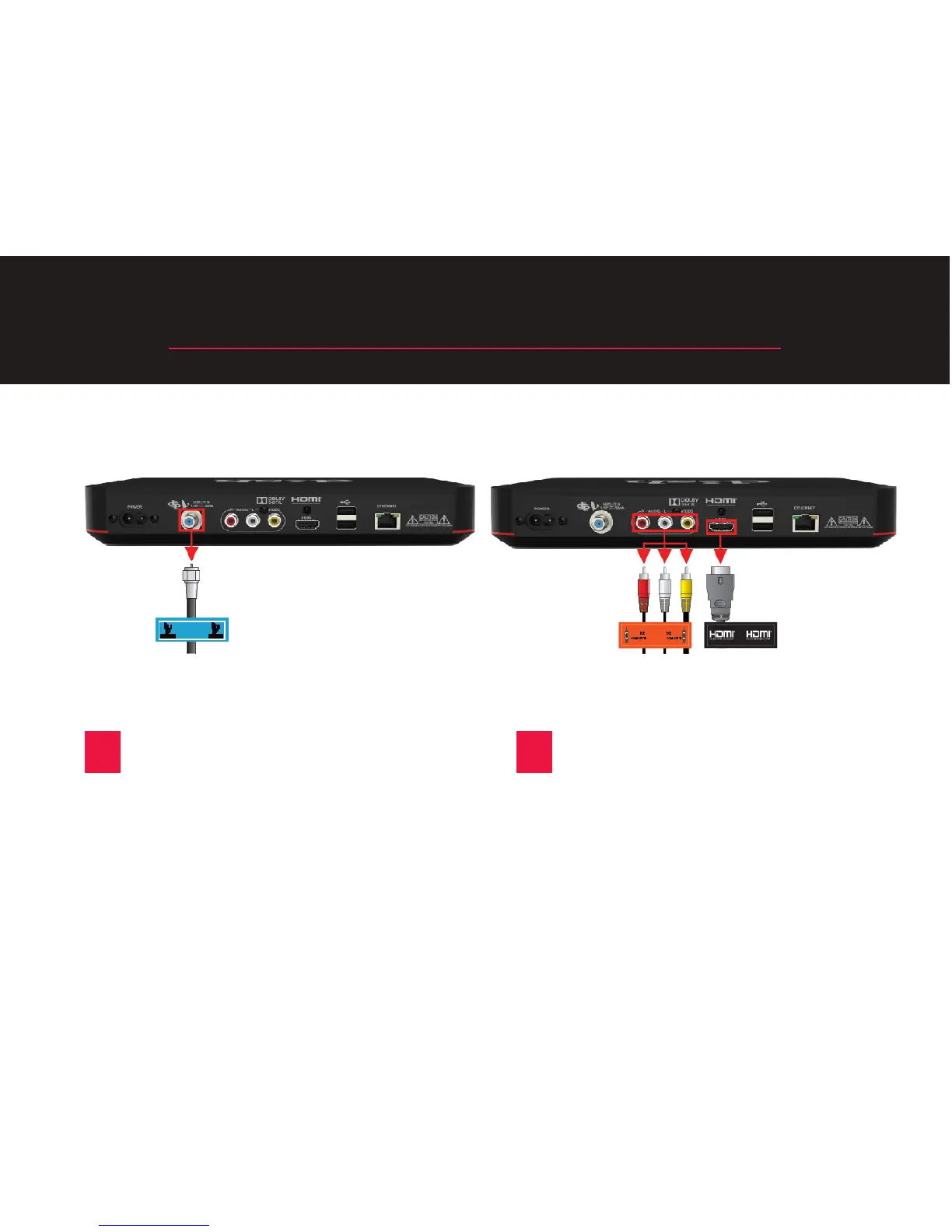
STEP 2: Label and Disconnect Your Cables
A
Locate the cable connected to the
“Satellite In” port and aach the
blue label to it. Then, unscrew this
cable from your Wally. Do not
unscrew it from the wall.
B
Determine the cable you are using
to receive audio/visual signal and
aach the correct label to it. Then,
unplug it from the receiver. Do not
unplug it from your TV.
• Orange label - RCA cable
• Black label - HDMI cable
3










 To Next Page