STEP 5: Pair Your Remote to Your Wally
A
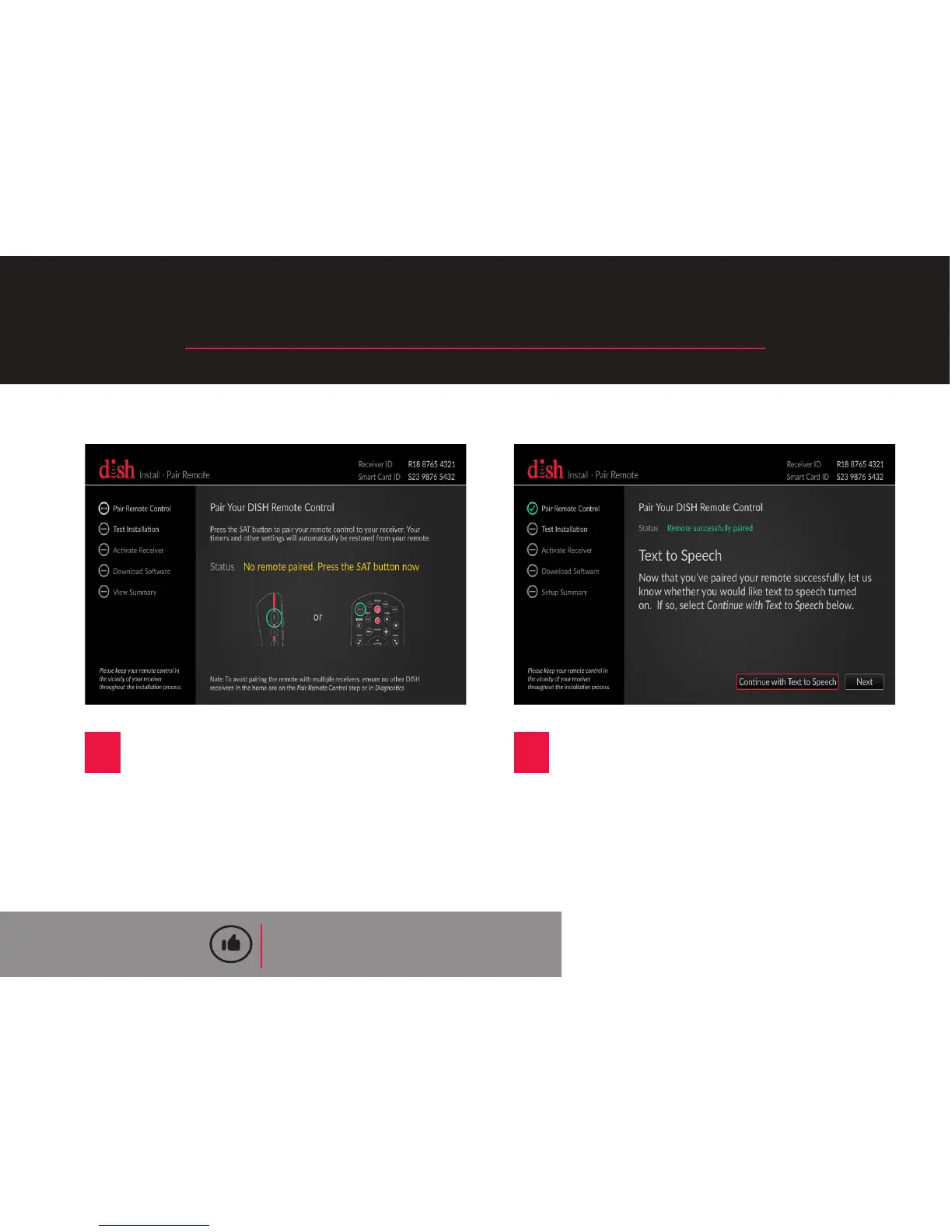
Press the SAT buon on your
remote control to pair it to
your Wally. All of your previous
receiver’s recording mers and
other sengs will be restored
automacally.
B
Once your remote is paired, the
Install Wizard will proceed to the
next step automacally.
QUICK TIP
To avoid pairing your remote with mulple
receivers, ensure that you do not have any other
receivers in your home that are on the “Pair Remote
Control” step or in the “Diagnoscs” screen.
9










 To Next Page