A
STEP 4: Power Your Equipment (Cont.)
C
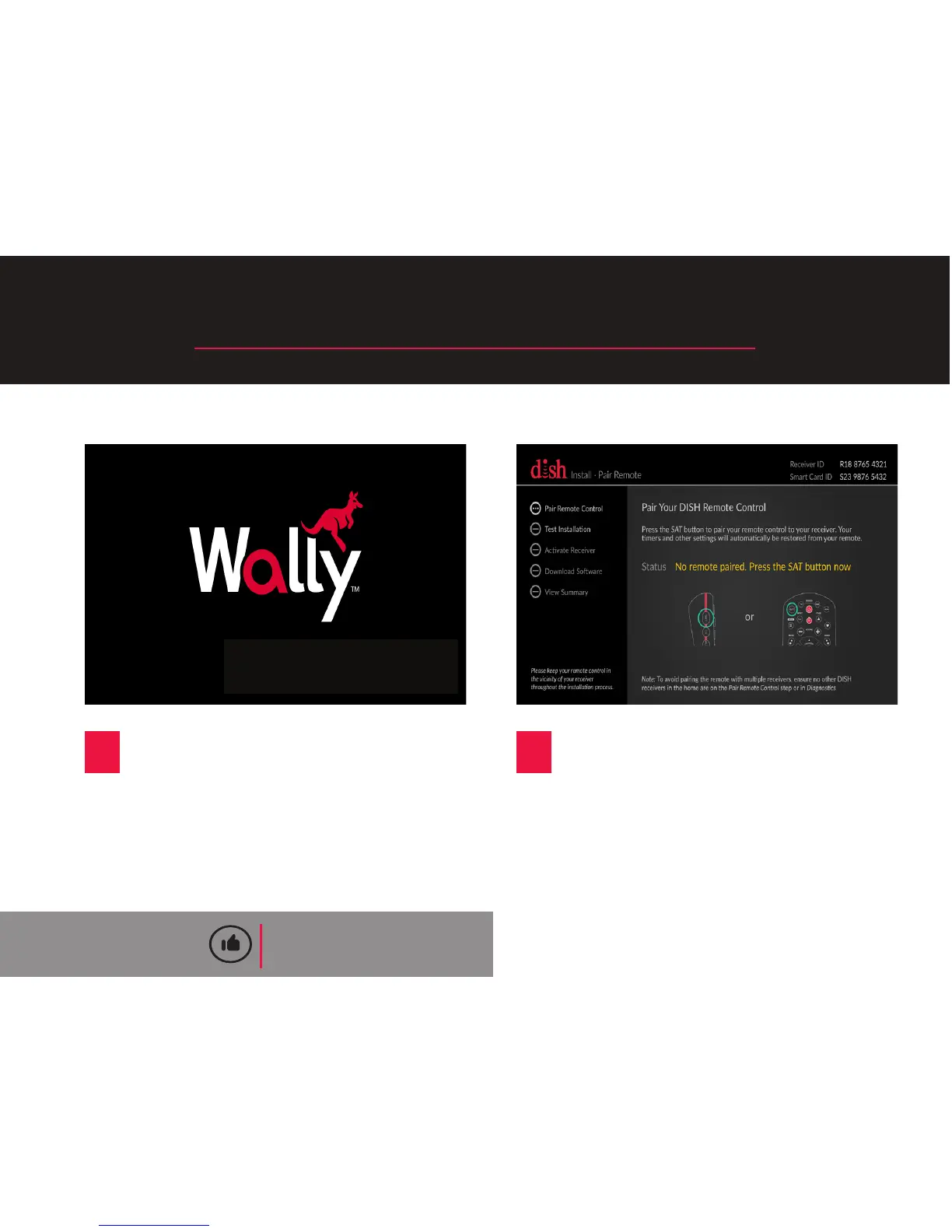
Turn on your TV and you will see
a loading screen, which could last
for several minutes.
D
When the Install Wizard screen
appears, go to step 5.
QUICK TIP
If you do not see the loading screen,
press the “Source/Input” buon located
on your TV unl this screen appears.
Starng Up...
8










 To Next Page