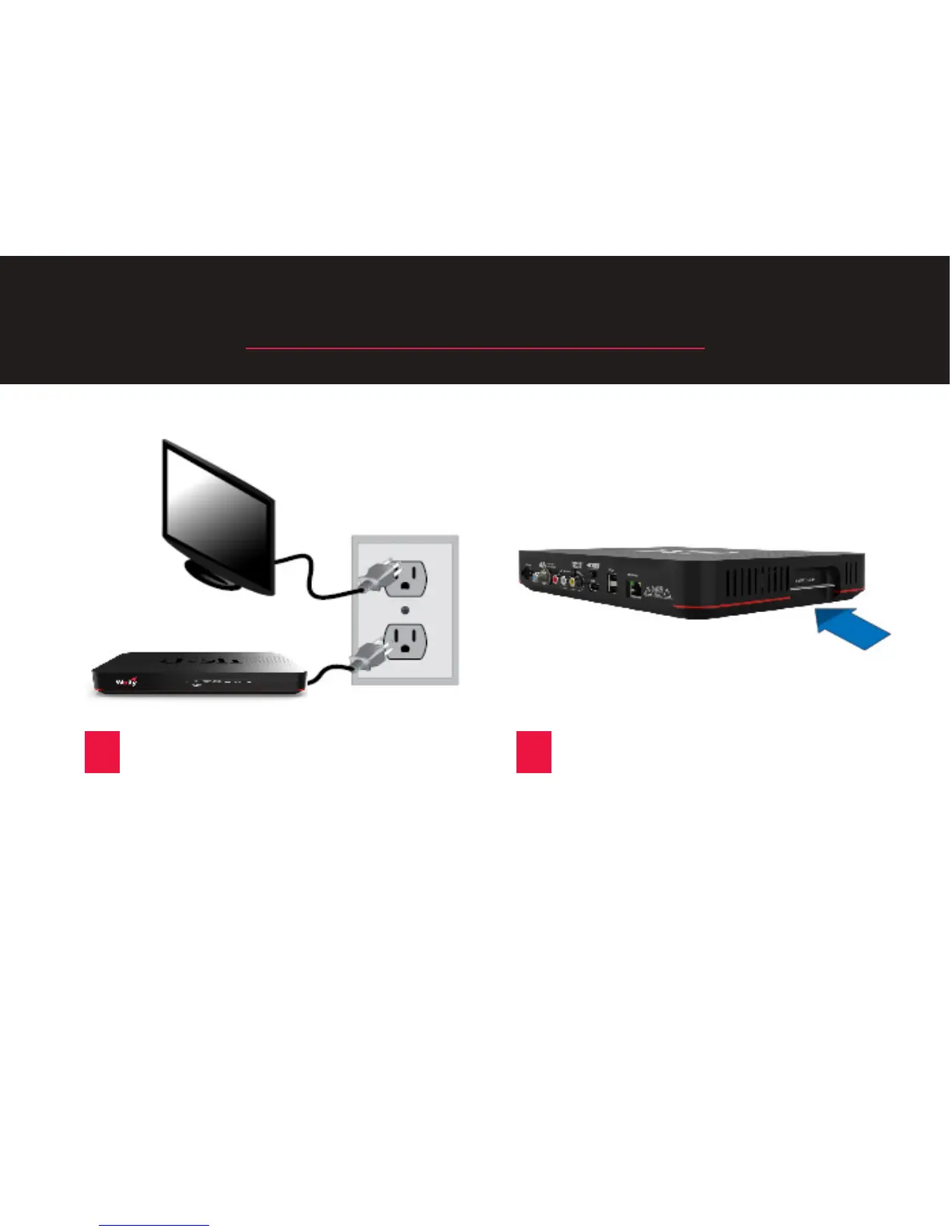
STEP 4: Power Your Equipment
A
Plug the power cord from your
replacement Wally into a power
outlet, and ensure that your TV is
sll plugged in. Turn your TV on.
B
Make sure that the Smart Card is
secured rmly in the slot on the
side of your replacement Wally.
7










 To Next Page