Wally
01
9
Wally
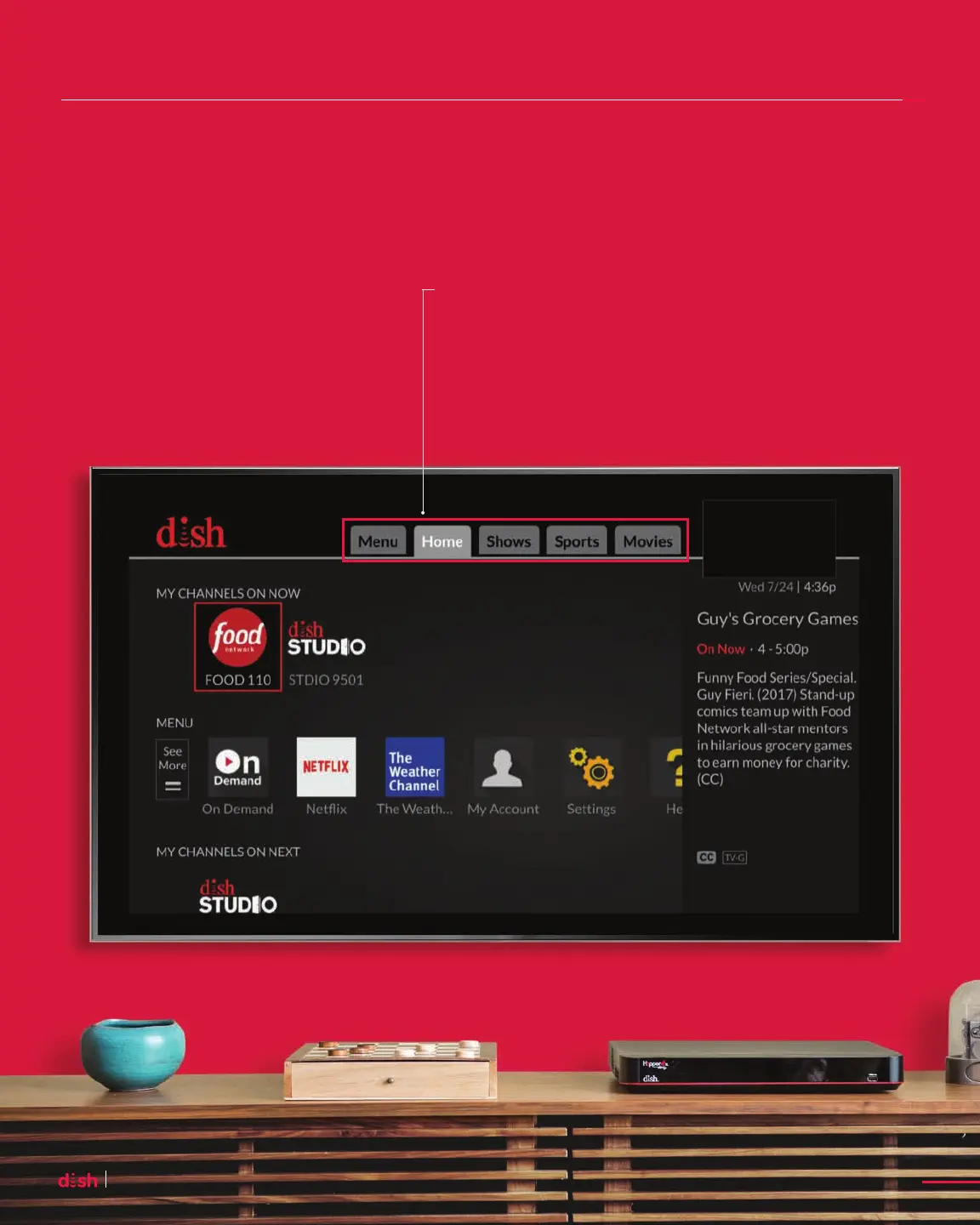
Home
It’s your starting point for quickly discovering what’s on now and what’s coming up next.
Access the Home Screen
To access the Home screen,
press HOME on your remote.
Content Tabs
Content tabs help you quickly find
the programming you’re searching for –
from sports to shows and movies.










 To Next Page