10
01
WallyWally
10
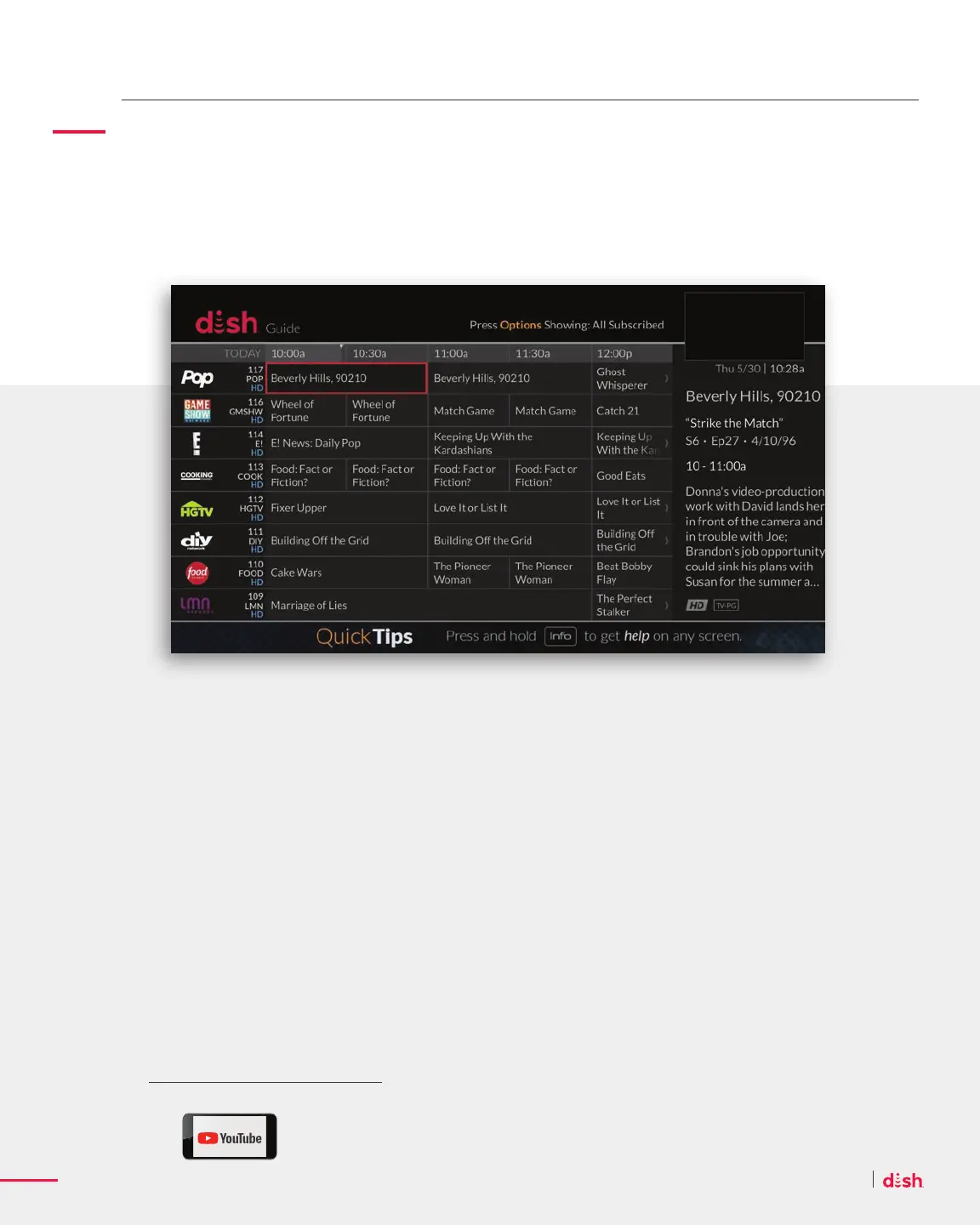
Access the Guide
• Press GUIDE on your remote control.
• Use CHANNEL UP and CHANNEL DOWN to navigate, or enter a channel number
to go directly to that channel.
Customize the Guide
When in the Guide, simply press the OPTIONS on your remote to customize your
Guide experience:
• Create Favorite Channel Lists – Every member of your family can create their list
of favorite channels so only those channels appear when browsing in the Guide.
• Only See Channels You Subscribe To – Display all DISH channels or just the
channels you subscribe to with the All Subscribe option.
• Access Your Guide Settings – With the Guide Settings option, you can make text
larger, change the order networks are listed, hide adult channels, and more.
Guide
See What’s On Right Now and What’s Coming Up In the Next Nine Days
The Wally’s high-defi nition guide comes complete with full listings for all your channels.
Get the lowdown on creating a
Favorites list at youtube.com/user/dish










 To Next Page