Adjust your TV volume On-Key
tm
Pitch and Scoring
7 12
Adjust
Your
TV
Volume
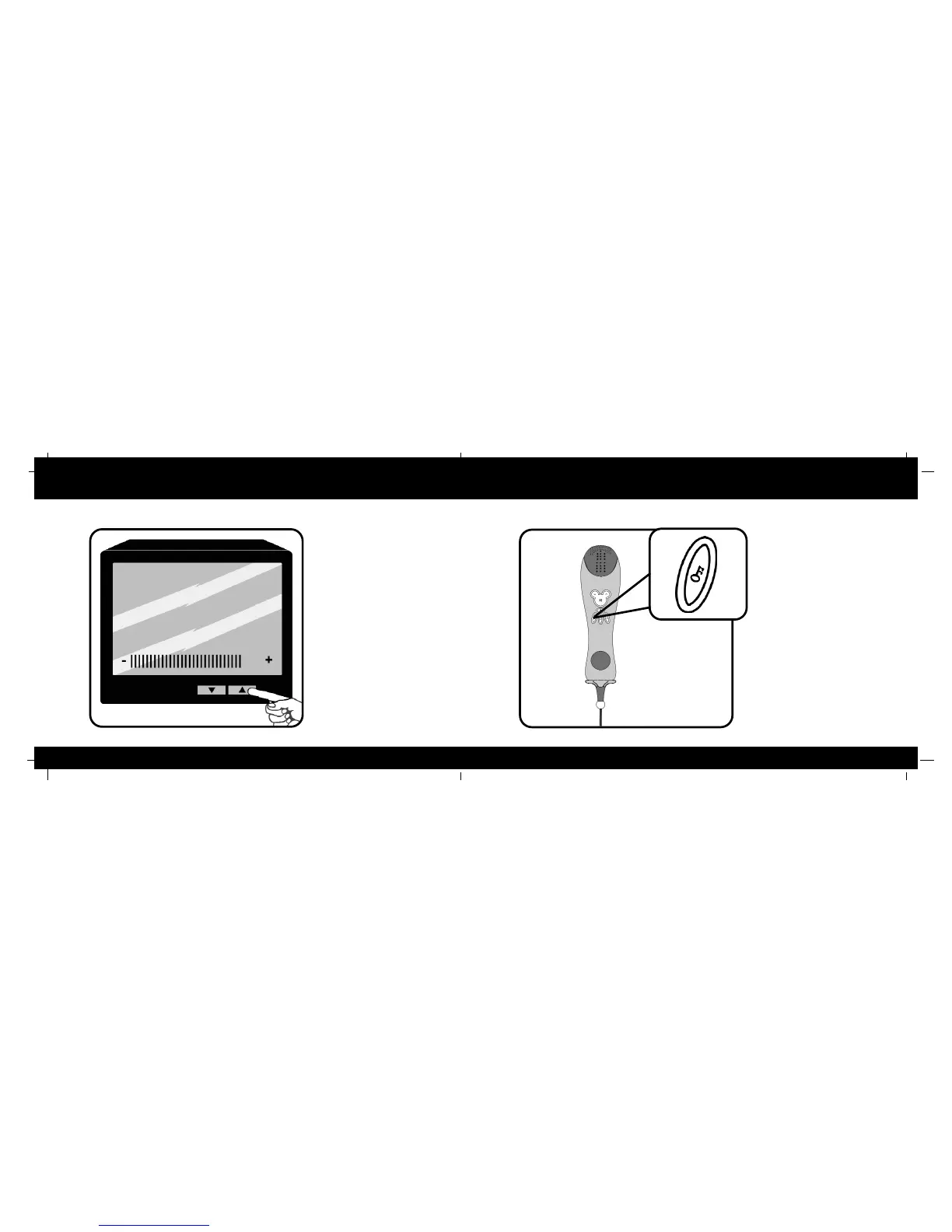
Slowly turn the volume of your TV
up while singing into the Karaoke
Player. Do this until you can hear
your voice clearly through the TV
speakers.
On-KKey
tm
Pitch
Correction
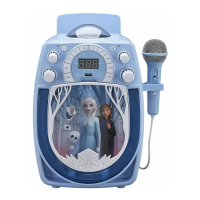
Press this button once to
activate On-Key
tm
Pitch
Correction. Your voice will be
automatically adjusted so that
you are always in perfect pitch.
Press this button once more to
activate Scoring. A numeric
score between 1 and 100 will
appear on your TV screen as
you sing based on 1). how
close your singing is to the
correct pitch and 2). how close
you are to the correct timing of
the notes. At the end of the
song you will be given a final
score.



 To Next Page