Recording
Insert the SD card into the slot before recording video. The recommended SD card specifications are as
follows:
- 8GB-32GB
- FAT32, unit size is 4096 Bytes
After the SD card is correctly recognized, the SD card OSD located in the upper right corner of the screen
will be hidden.
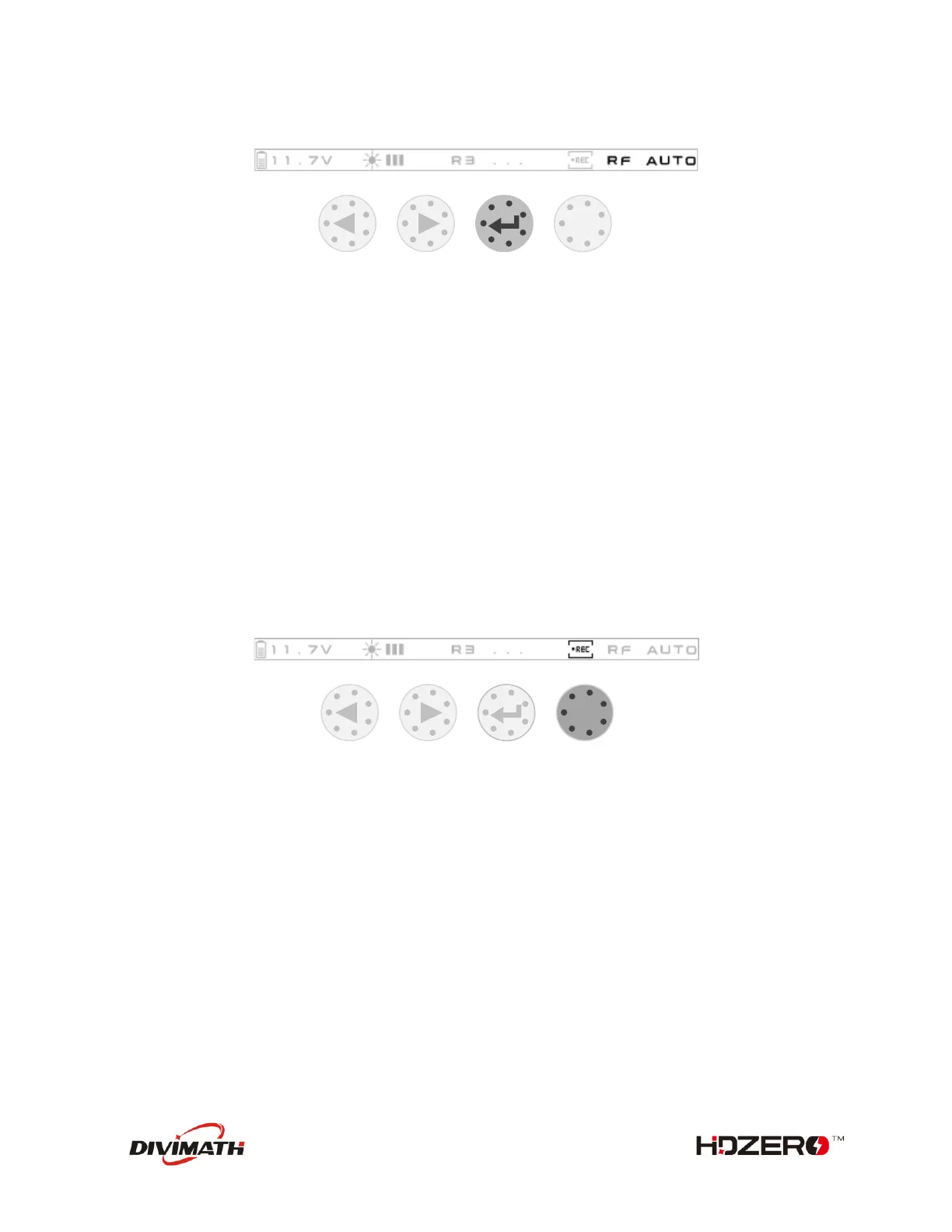
When a valid signal is locked, recording will start automatically. When the signal is lost, recording will
automatically stop.
You can also manually control the start and stop of recording at any time by the button.
To Start/Stop Record
Image settings
The following image settings can be set via the HDZero Programmer App:
- Brightness
- Contrast
- Saturation
- Backlight
Backlight also supports quick adjustments using Buttons.
To Change Backlight



 To Next Page