9
Chapter 2: Camera Configuration
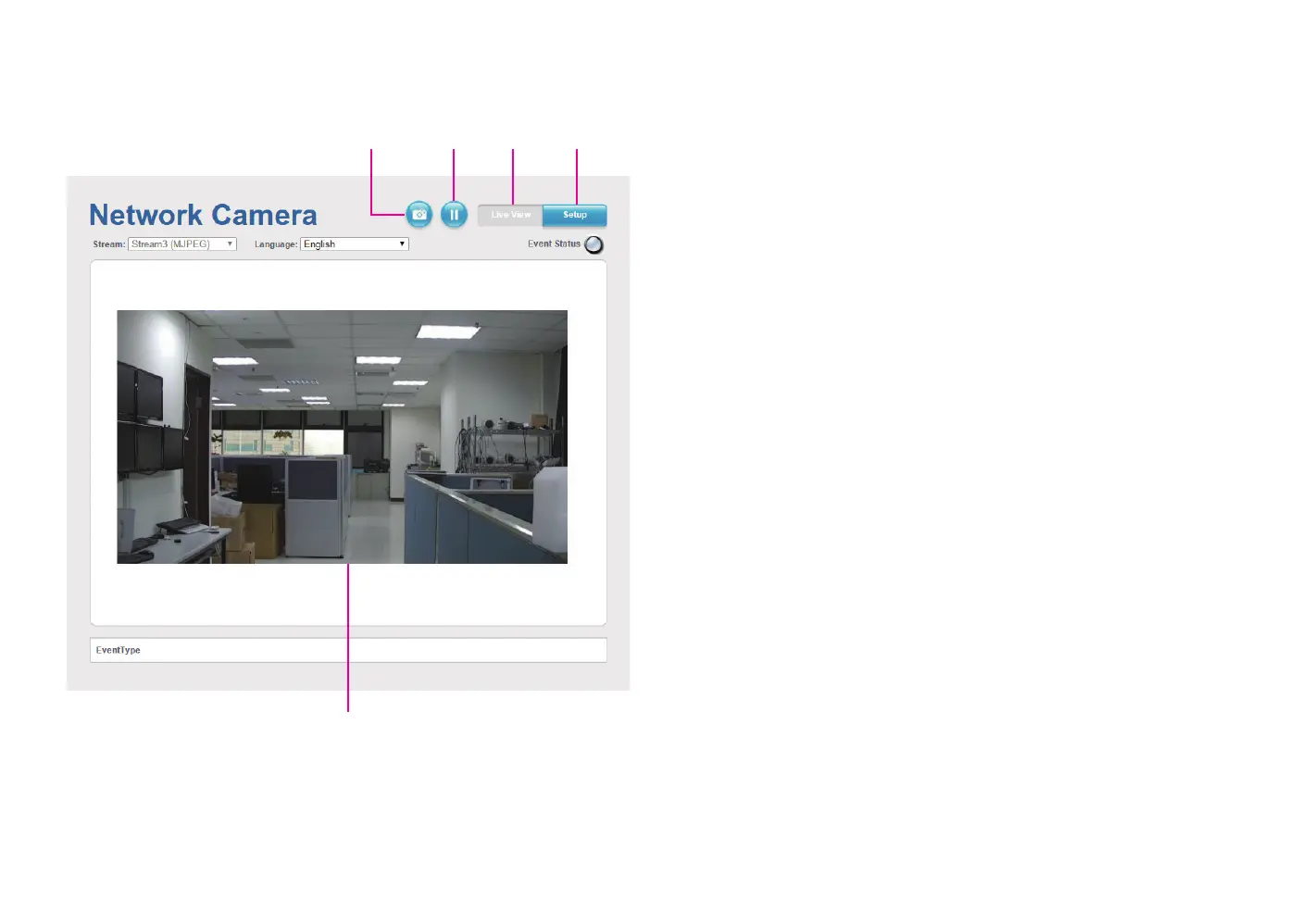
SetupViewerSnapshot Start/Stop
Live view
Snapshot
Takes a image snapshot from the camera, you will be prompted to store the
image file onto the computer’s hard drive.
Start/Stop
Press to stop the live video, press again to restart.
Viewer
Views the live video of the camera.
Setup
Options for configuring the IP camera.



 To Next Page