17
Chapter 2: Camera Configuration
Exposure Cont.
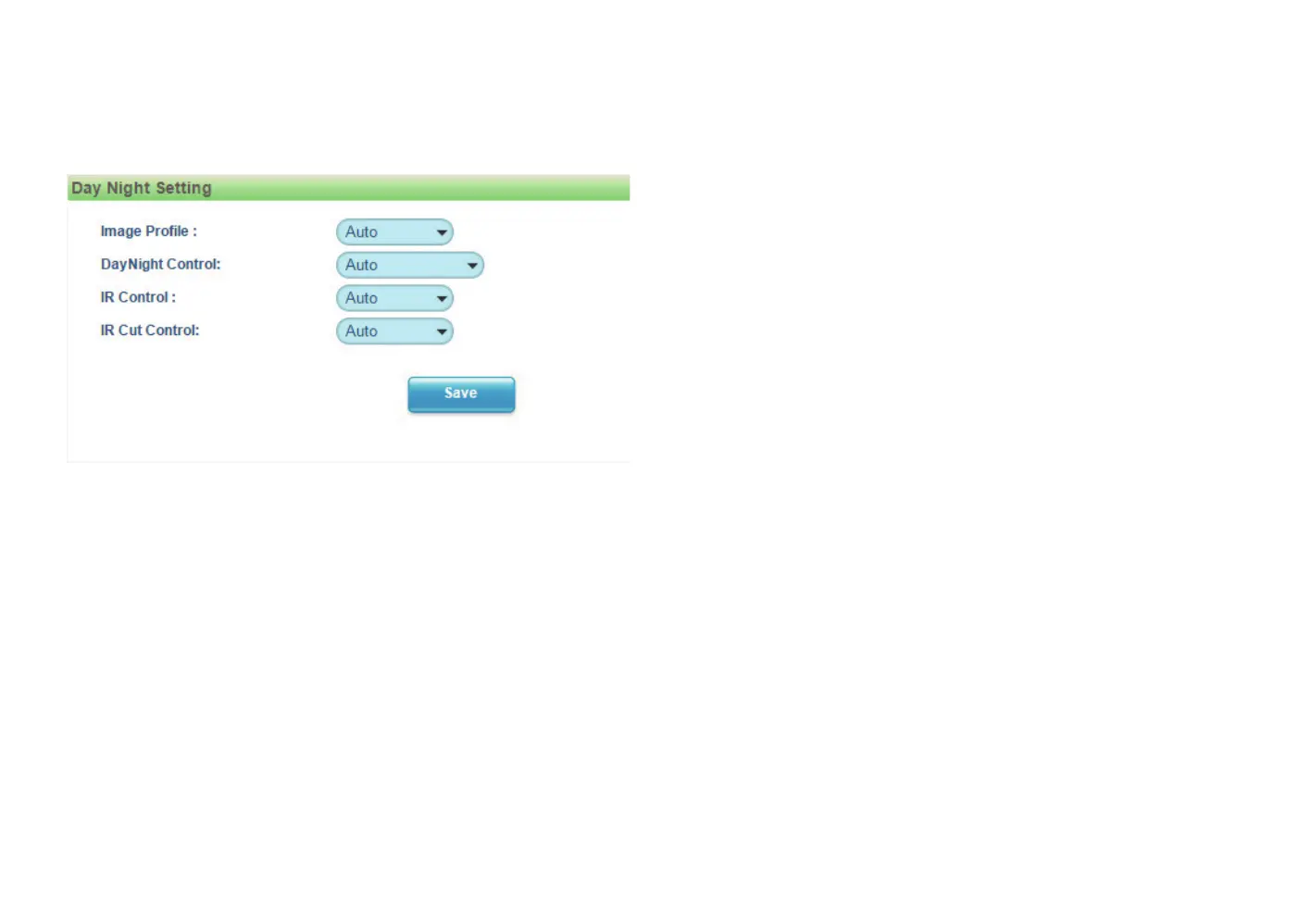
Day Night Setting
Image Profile
Select Day or Night profile to automatically set up parameters quickly. The
available options are AUTO, Force Day and Force Night.
Day Night Control
Select the Day and Night control mode. The available options are AUTO,
Force Day, Force Night and Switch Schedule.
IR Control
Select the IR control mode to use. The available options are High, Medium
and Low.
IR Cut Control
Select the IR cut control mode to use. The available options are Auto, Force
Day and Force Night.
Save
Save button to apply the configurations, click on this button once all the
settings are confirmed for the new changes to take effect.
Note: To make configuration simple and fast, please set the day or night
profiles first, then go to “Day Night Setting” and select the profile to use.



 To Next Page