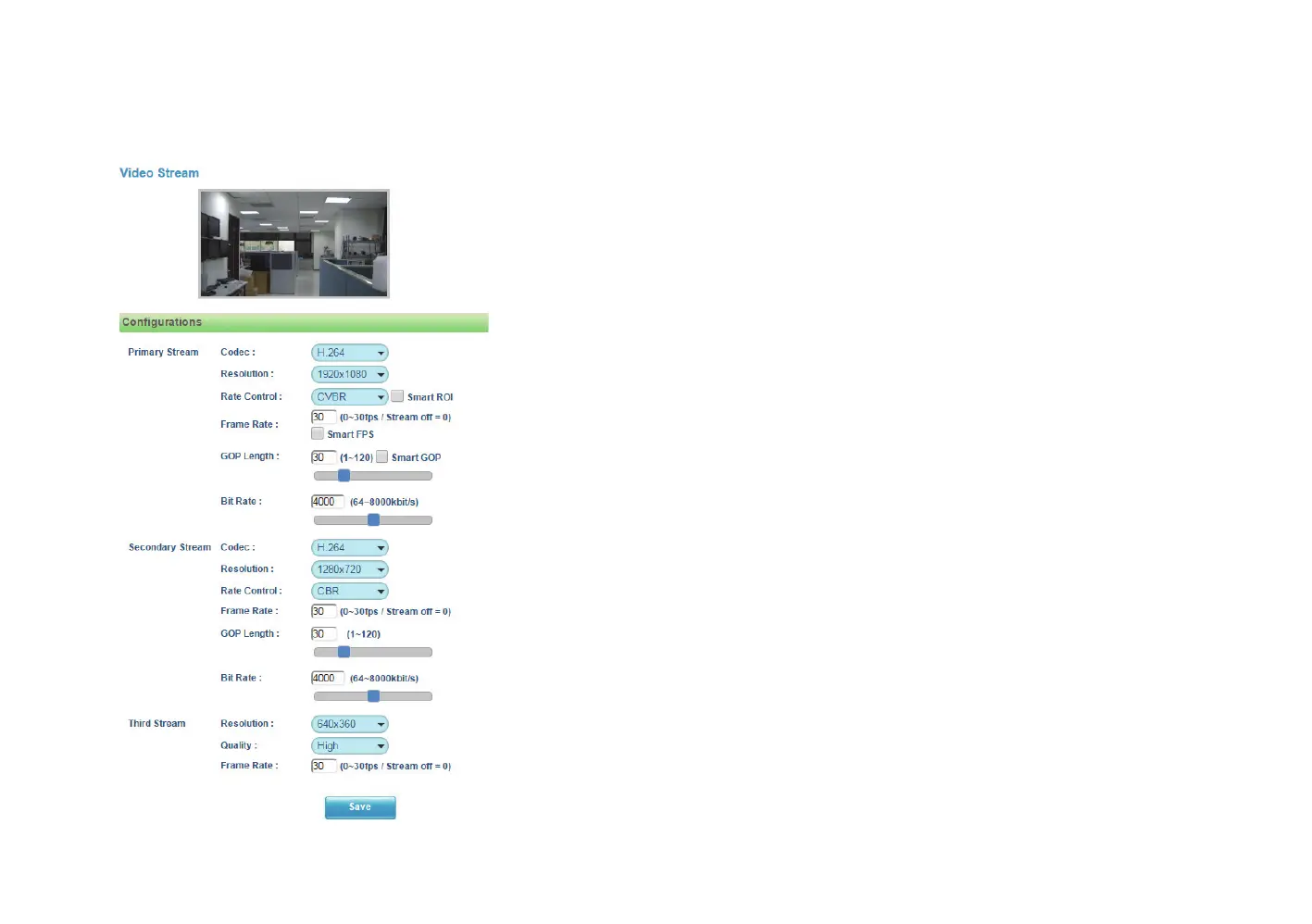
12
Chapter 2: Camera Configuration
Primary Stream 1
Codec
Configures the format of the video stream, the options are H.265 and
H.264.
Resolution
Configures the resolution of the video stream. The available options are
1920x1080 and 1280x720.
Rate Control
Configures the Rate Control mode as CBR (constant bit rate) or CVBR
(constrained variable bit rate) for the stream. Selecting CVBR will show
the setting options for Smart ROI, Smart FPS and Smart GOP.
Smart ROI
Enables or disables Smart ROI feature. Enabling it will increase the bit rate
of moving objects and make them clearer. Bit rate of images around the
moving objects will not be modified.
Frame Rate
Adjusts the frame rate of the video stream, the range is 1~30FPS. The
stream will be off if 0 is selected.
Smart FPS
Enables or disables Smart FPS feature. Enabling it will increase the FPS to
30FPS when a moving object is detected. If no moving object is detected,
FPS will be reduced to save bandwidth.
GOP LengthConfigures the GOP length of the stream, the range is
1~120. Users can enter the value or adjust it through the slider bar.
Video - Video Configuration



 To Next Page