Need help?
Do you have a question about the dji OM 4 and is the answer not in the manual?
Provides guidance on how to search, navigate, and print the user manual effectively.
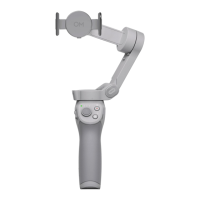
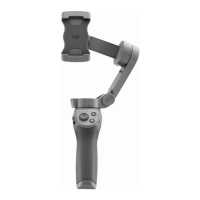
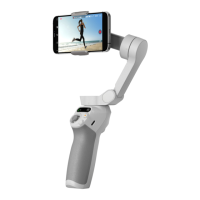
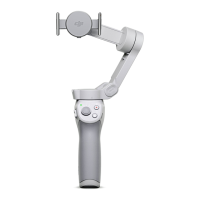
Introduces the DJI OM 4, highlighting its 3-axis stabilization, foldable design, and magnetic connection.
Covers essential initial steps including charging the gimbal and attaching a mobile phone.
Explains the functionality of all physical controls and the different operating modes of the DJI OM 4.
Guides on connecting the DJI OM 4 to the app and details the camera interface, shooting modes, and settings.
Provides instructions for updating firmware and properly folding the DJI OM 4 for storage.
Lists the detailed technical specifications of the DJI OM 4 gimbal, including dimensions, weight, and performance.
 General
| Brand | dji |
|---|---|
| Model | OM 4 |
| Category | Camera Accessories |
| Language | English |

 To Next Page