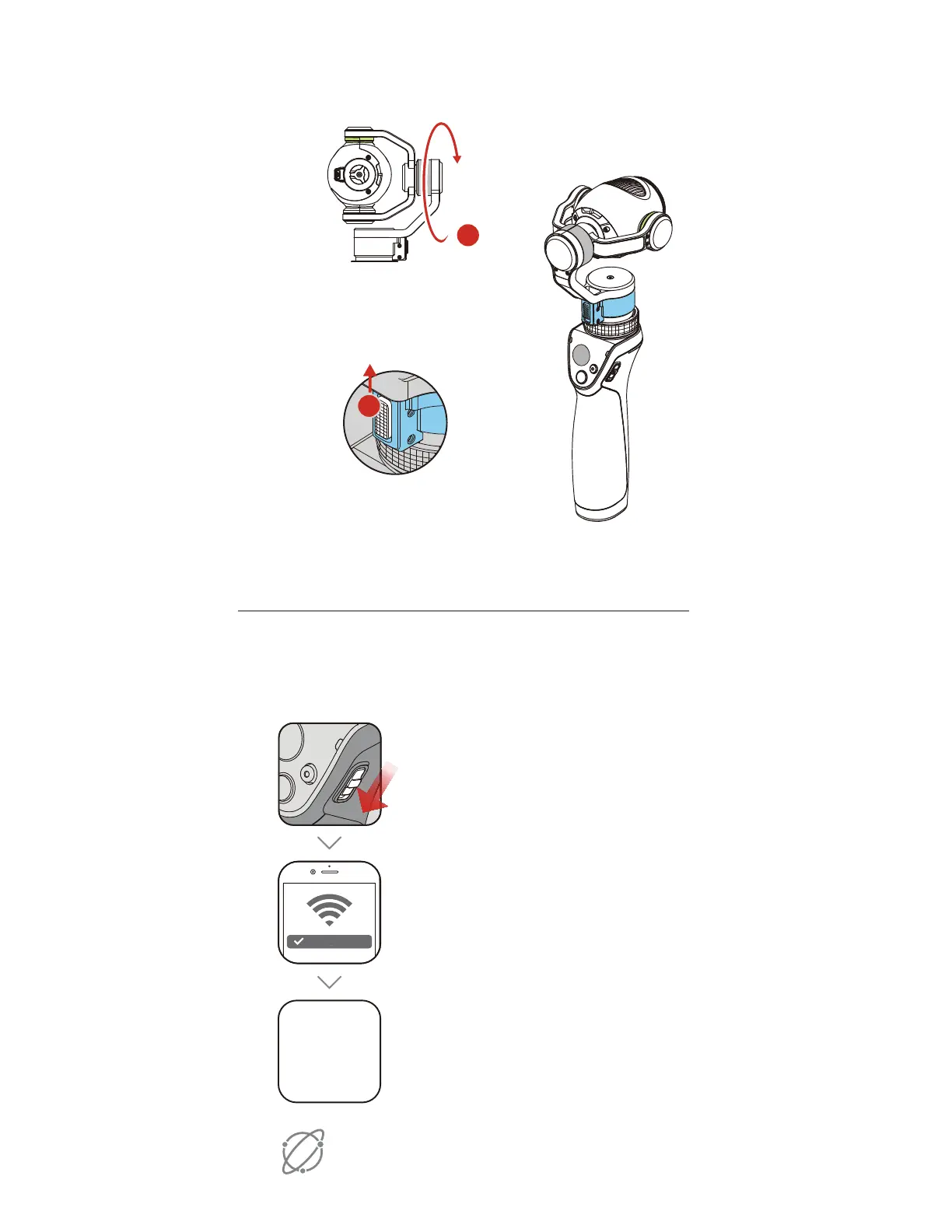
4. Unlock the Gimbal
1. Rotate the tilt motor
5. Connect to the DJI GO App
2. Slide the Pan Axis Lock up
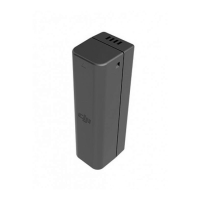
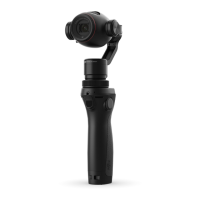
Activate the Osmo+ when using it for the first time.
This requires an internet connection.
Internet
Launch the app and tap Camera.
%+*(0
"QQ
Turn on your mobile's WiFi and
connect to OSMO_XXXXXX
Default password: 12341234
OSMO_XXXXXX
To Power On:
Pull down on the switch
Pull down again > Sleep
Pull down and hold for 1.5 s > Power Off
. Connect to t
2. Slide the Pan Axi
Tur
Def
M
_XXXXX
To
ull
Pull
Pull



 To Next Page