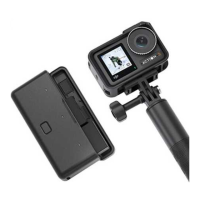
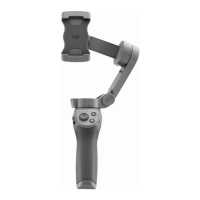
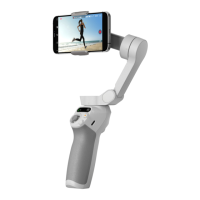
DJI GO supports iOS 8.0 (or later) and Android 4.3 (or later).
Safety Guidelines
1. Intricate components inside the Osmo+ may be damanged
upon impact and cause the gimbal to malfunction.
2. Ensure there is nothing obstructing the gimbal when the
Osmo+ is powered on.
3. The Osmo+ is not water resistant. Do not use any liquid
cleansers. Only use a soft dry cloth to clean the Osmo+.
4. Keep the Osmo+ away from sand and dust to safeguard
the sensors in the camera and motors.
1. Hold the Osmo+ still when it is powering up to ensure it
starts up successfully.
2. Check the camera settings before starting to shoot.
3. DO NOT remove the Micro SD card from the camera when
the Osmo+ is powered on.



 To Next Page