15
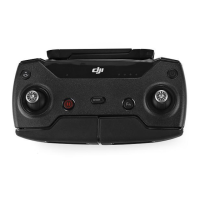
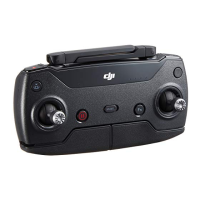
* Spark's remote controller is currently only compatible with Spark aircraft.
** The remote controller can reach its maximum transmission distance (FCC) in a wide open area
with no Electro-Magnetic interference and at an altitude of about 120 meters. Maximum ight time
was tested in windless conditions ying at a constant speed of 12.4 mph (20 kph). This value
should be taken for reference only.
1. Checking Battery Level and Charging
Checking Battery Level
Low High
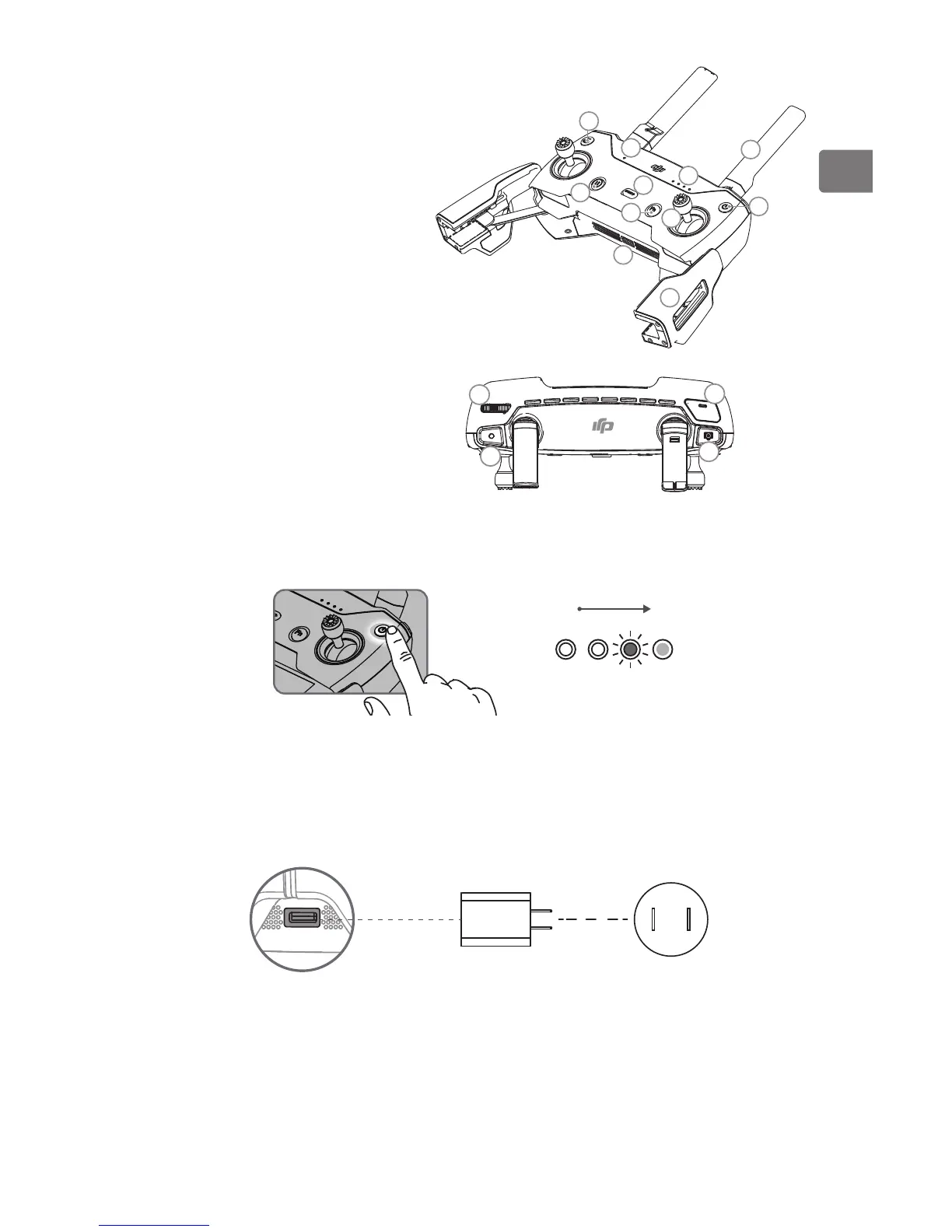
Press the Power Button once to check the current battery level. Press once, then again
and hold to turn on/off the remote controller.
Charging the Battery
It takes approximately 2 hours to fully charge the remote controller.
Micro USB Port USB Charger Power Outlet 100~240V



 To Next Page