4
EN
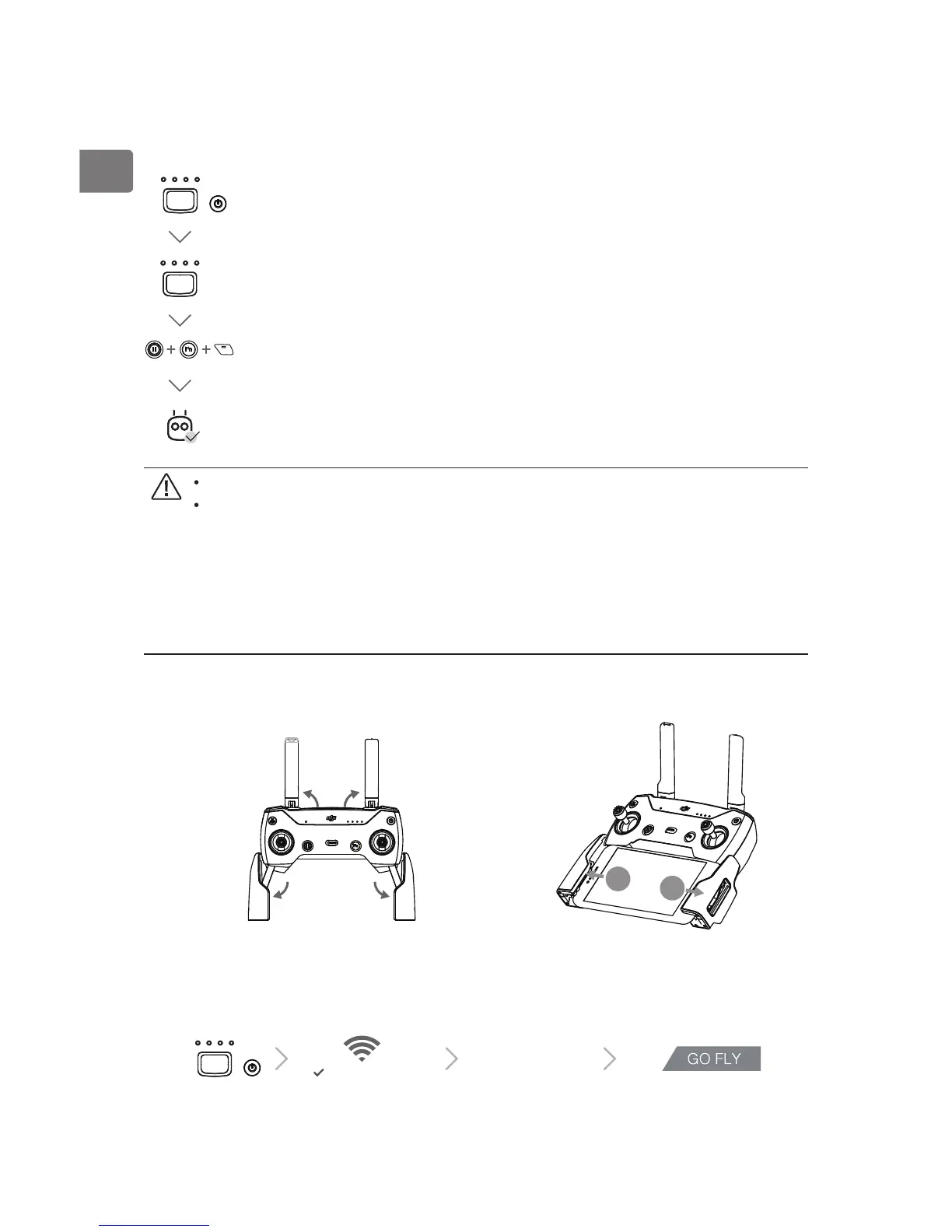
2. Linking
The aircraft and the remote controller are linked before shipment if you purchase the
Spark Combo (with the remote controller included). To link a remote controller to Spark,
follow the instructions below:
Power on the
aircraft and the
remote controller
Connect to
the Wi-Fi
Launch the DJI
GO 4 app
Tap GO FLY to enter
the main page
Power on the aircraft and the remote controller. Wait until aircraft status
indicators blink yellow.
Press and hold the power button of the Intelligent Flight Battery for 3 sec.
Release the button by hearing a single beep. Then the front LEDs blink red.
Ensure the remote controller is within 16.4 ft (5 m) of the aircraft during linking.
Apart from using the remote controller to y, you may also control the aircraft
using Virtual Joysticks with just your mobile device. However, while the remote
controller is linked to the aircraft, Virtual Joystick control will be disabled. You
may enable Virtual Joysticks by pressing and holding the power button of the
Intelligent Flight Battery for 6 sec until hearing a double beep to disconnect
the remote controller and the aircraft. Please refer to the Spark User Manual for
detailed information.
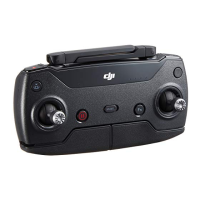
3. Preparing the Remote Controller
Press and hold the Flight Pause Button, the Function Button and the
Customizable Button simultaneously. When the alarm turns to a quick
single beep after an alternating single and double beep, linking has
begun.
Then the front LEDs turn solid red after blinking green. When the status
LED on the remote controller turns solid green, linking is complete.



 To Next Page