14
INSTRUCTIONS
HUMIDIFIER UNIT \\\
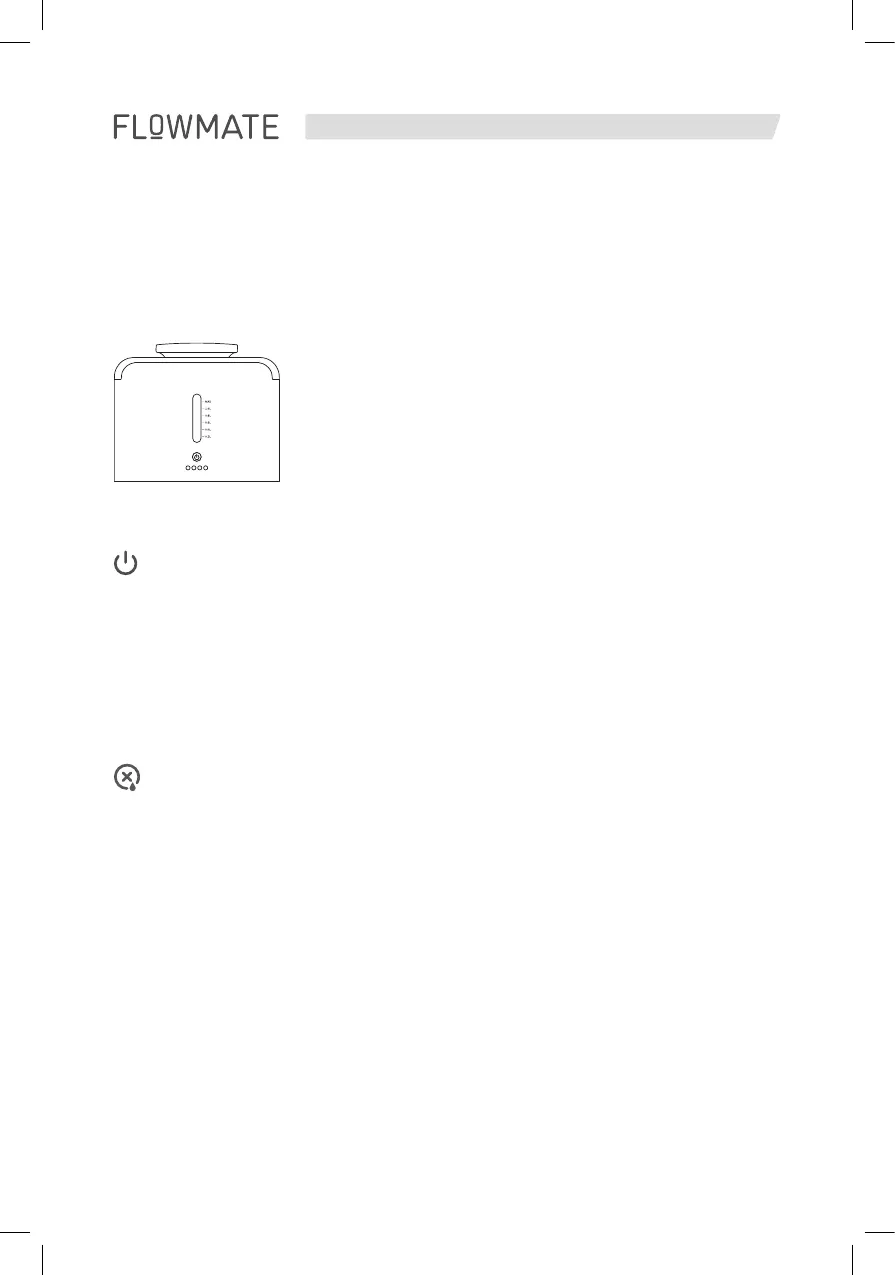
In order to turn the ARC Humidifier on touch the power button. By touching the
button one time, level 1 is chosen. LED indicator will show one LED shining there-
fore. Touch twice to activate level 2 or 3 times to activate level 3. Another push
on the button will activate AUTO mode of the humidifier unit.
PLEASE NOTE
AUTO mode is indicated by the same LED as level 2. Pushing the button 5 times
will deactivate humidifier unit. (1-2-3-AUTO-OFF)
Water shortage indicator: Red LED will show water shortage. Please fill the
humidifier unit with water according to your premises from 0,2l up to 1,2l.
PLEASE NOTE
Do not fill in water above the maximum water level indicator.
This icon indicates the humidifier unit is not applied properly.


 To Next Page