9
English
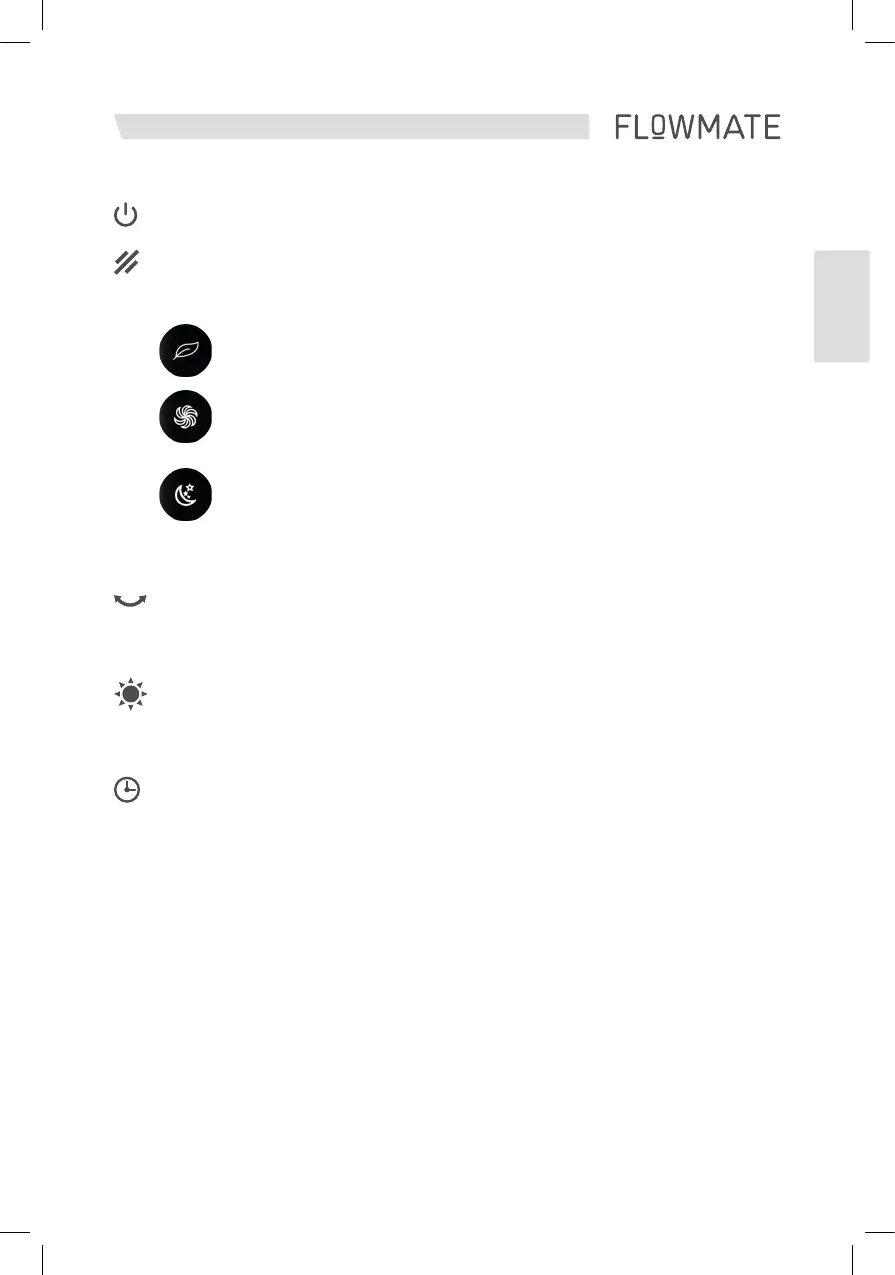
The device can be switched on and off by touching the „ON / OFF“ button.
This button allows to switch between 3 different wind presets:
NATURAL
Simulates a natural wind fl ow by adjusting the wind speed randomly.
BOOST
Highest possible wind speed running at a maximum of 7300RPM.
SLEEP
Lowest possible wind speed to reduce operational noises to a minimum
Touch the oscillation button for 1 sec to turn on oscillation function. The ARC
Humidifi er can swing left and right up to 80°. Touch the button again for 1 sec
to turn off oscillation.
UV
UV-Sterilization is activated by default. You can easily turn it off by touching the
UV button on the remote control. Please note: UV-Sterilization is also deactivated
automatically after 1 hour of running.
You can set the timer function from 1 hour up to 8 hours.
Please note: Whether timer is set or not you can use all functions regularly.
All timer function adjustments are turned to default once the ARC Humidifi er
is turned off.
AUTO
This button activates the AUTO Air Purifi er mode.
Please note: For Humidifi er unit AUTO mode refer to the humidifi er unit functions.


 To Next Page