16
Operating functions
Speed levels
Increase (+) or decrease (-) the air speed to 9 levels in total
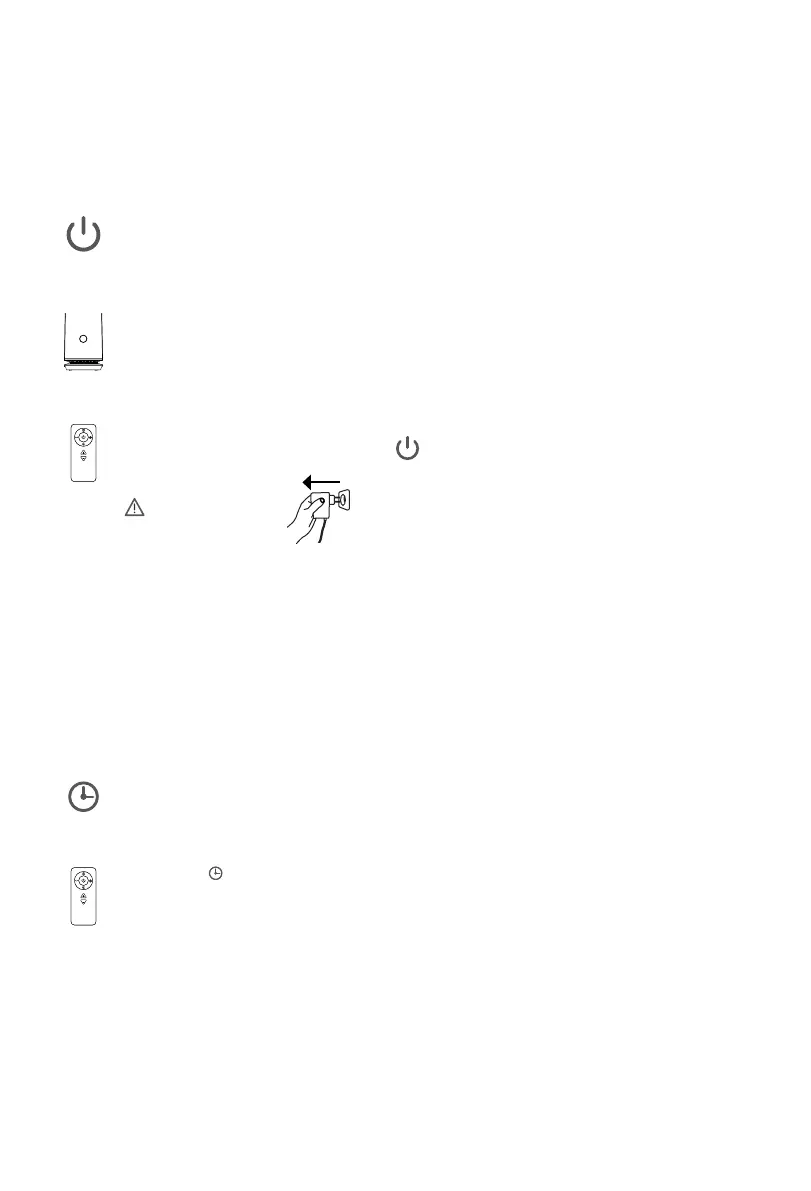
Timer function
Set a shutdown timer (1 - 8 h)
Press the button to set the timer from 1 to 8 hours.
The number on the LED display (0-8) indicates the set hours.
Setting it to 0 disables the timer (two notification sounds).
1. The other functions of the fan still can be used
after the timer function is set.
2. The machine will shut down when the set time is up.
3. If the fan power is turned off manually, the timer setting
will also be cancelled.
ON / OFF
Turn the power on/off
ON: Press the LED display while the device is turned off
to start it with the initial settings.
OFF: Press the LED display for 2 seconds and remove the finger
after hearing two notification sounds to turn if off.
The power is controlable via the button on the remote control.
ATTENTION
Pressing the power button will not shut off the device completely.
If you do not use the fan for a long time, unplug the power plug.
OPERATING INSTRUCTIONS \\\
+
-



 To Next Page