17
Engli sh
Sound signal
A notification sound will play whenever the LED touch display
or the remote control are used.
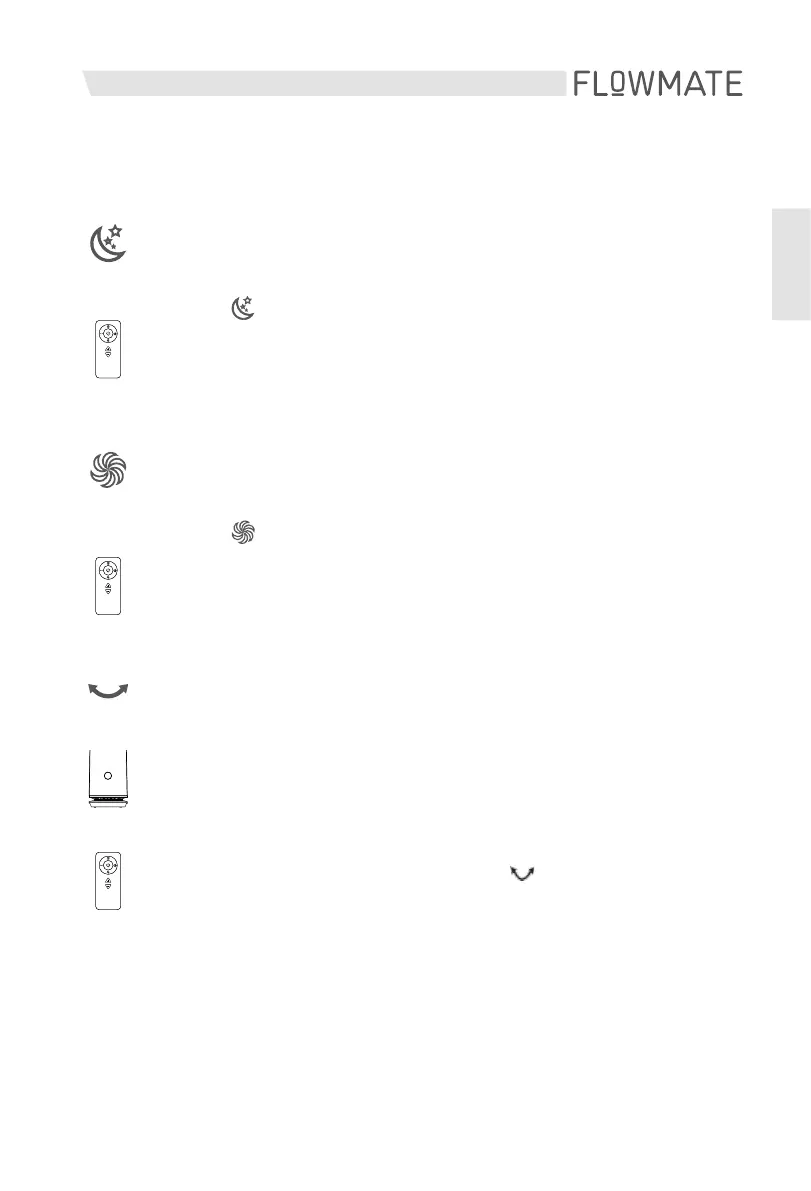
Panoramic mode
Start/Stop the 80°-panning
ON: Press the LED display for 1 second to start the panning.
OFF: Press the LED display for 1 seconds and remove the finger
after hearing the notification sound to stop the panning.
The Panoramic mode is controlable via the button on the
remote control.
MAX mode
Set the air speed to maximum output.
Press the button on the remote control to start/stop
the Sleep mode. A notification (H) will appear/disappear
on the LED display. Pressing either the (+) or minus (-)
button will cancel the MAX mode.
Sleep mode
Change to a very slow air speed
Press the button on the remote control to start/stop
the Sleep mode. A notification (L) will appear/disappear
on the LED display. Pressing either the (+) or minus (-)
button will cancel the Sleep mode.



 To Next Page