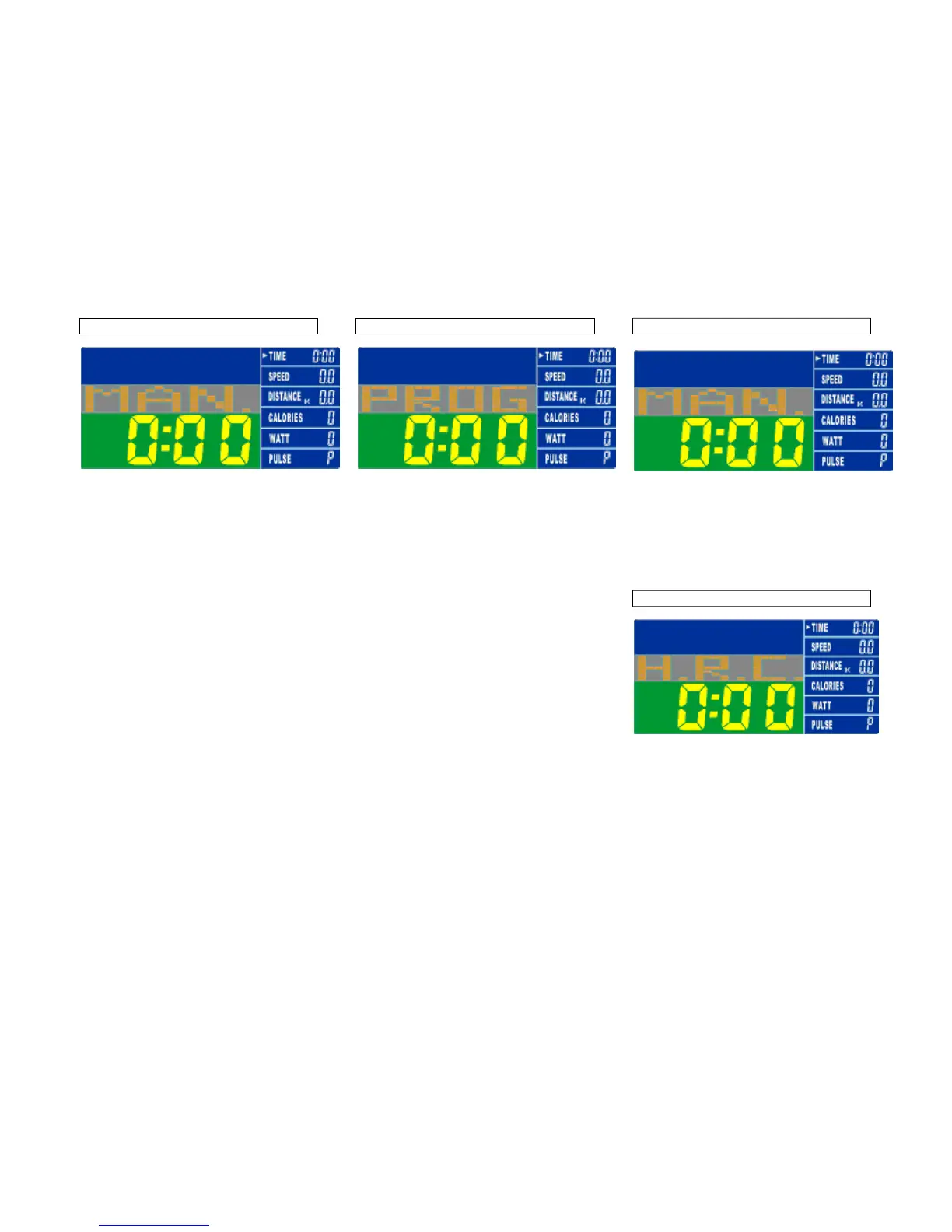
Training in MANUAL MODE
• Select “MANUAL”, use twist-dial to adjust
the load level (this ergometer offers 16
levels), confirm selection by pressing
“ENTER”.
• “TIME” flashes: use twist-dial to set
exercise time, confirm selection by
pressing “ENTER”. If you donot intend
setting exercise time, simply press
“ENTER”.
• “DISTANCE” flashes: use twist-dial to set
distance, confirm selection by pressing
“ENTER”. If you donot intend setting
exercise distance, simply press “ENTER”.
• “CALORIES” flashes: use twist-dial to set
calorie consumption, confirm selection by
pressing “ENTER”. If you donot intend
setting calorie consumption, simply press
“ENTER”.
• “PULSE” flashes: use twist-dial to set
maximum heart rate, confirm selection by
pressing “ENTER”. If you donot intend
setting a heart rate level, simply press
“ENTER”, the monitor will display current
heart rate value.
• Start exercising by pressing the
“ST/STOP” button.
Training in PROGRAM MODE
• Select “PROGRAM”, use to select
profile 1 to 12, confirm selection by
pressing “ENTER”.
• Press “ENTER” again, and set target value
for ‘TIME, DISTANCE, CALORIES AND
PULSE”. Follow the procedure as
described above in manual ENTER. In
program ENTER “WATT” cannot be
preset.
• If you donot intend setting any target
value, start exercising by pressing the
“ST/STOP” button.
Training in USER MODE
• Select “USER”, use twist-dial to set up
your own profile (this ergometer offers 16
load levels and 20 load segments).
• In each segment confirm your loadsettings
by pressing “ENTER”.
• Start exercising by pressing the
“ST/STOP” button.
Training in TARGET H.R. MODE
• Select “TARGET H.R.”, use twist-dial to
enter your age.
• Press “ENTER”, “55%” is flashing. Use
twist-dial to select 55, 75, 90 or THR.
Confirm your selection by pressing
“ENTER”.
• If you selected 55, 75 or 90%, “TIME” is
flashing: follow the procedure as described
above in manual ENTER for presetting
target values.


 To Next Page
 Loading...