39
HRC program:
(Chest belt transmitter compulsary)
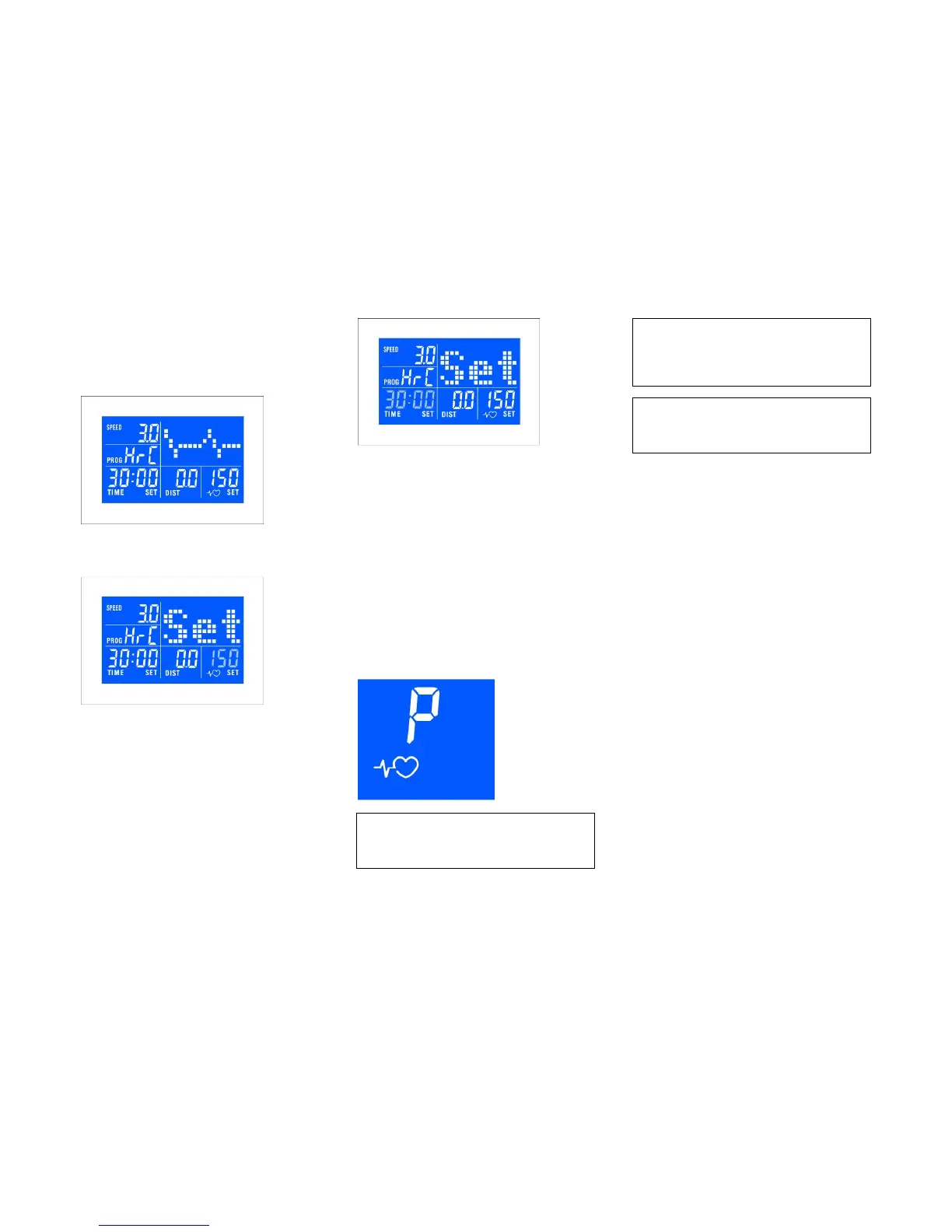
Use SELECT button to choose HRC, press
ENTER to confirm selection
Use / buttons to program target heart rate,
press ENTER to confirm
Use / buttons to program total exercise
time and press ENTER to confirm
Press START: the treadmill will run at 3 km/h
for 2 minutes as warm-up: adjust elevation
manually.
After this timeframe the computer will adjust
speed with 0.5 km or incline with 1 step every
30 seconds till THR (+/- 10 BPM) is reached.
In case the THR is exceeded, the computer
will automatically reduce speed and/or
elevation untill THR is reached again.
After the total exercise time elapsed, the
treadmill will slow down to 3 km/h with
decrements of 0.5 km/h every 10 seconds.
In case no pulse is received, display will show:
Heart rate displayed is an approximate
read-out, and may not be used as
guidance in any cardio-vascular related
medical or paramedical program.
If you have not been physically active
for a long period of time and also to
avoid health risks you should consult
your general physician before starting
to exercise.
Heart rate displayed is an approximate
read-out, and may not be used as
guidance in any cardio-vascular related
medical or paramedical program.



 To Next Page