10
4. The LCD backlight will dim automatically in 3 minutes if there is no
operation during any operating mode.
OPERATING THE UNIT IN DAB MODE
DAB radio mode receives DAB/DAB+ digital radio and displays
information about the station.
Auto Scan
1. Fully extend the telescopic antenna.
2. Press and hold the FUNCTION button to turn on the unit during
standby mode.
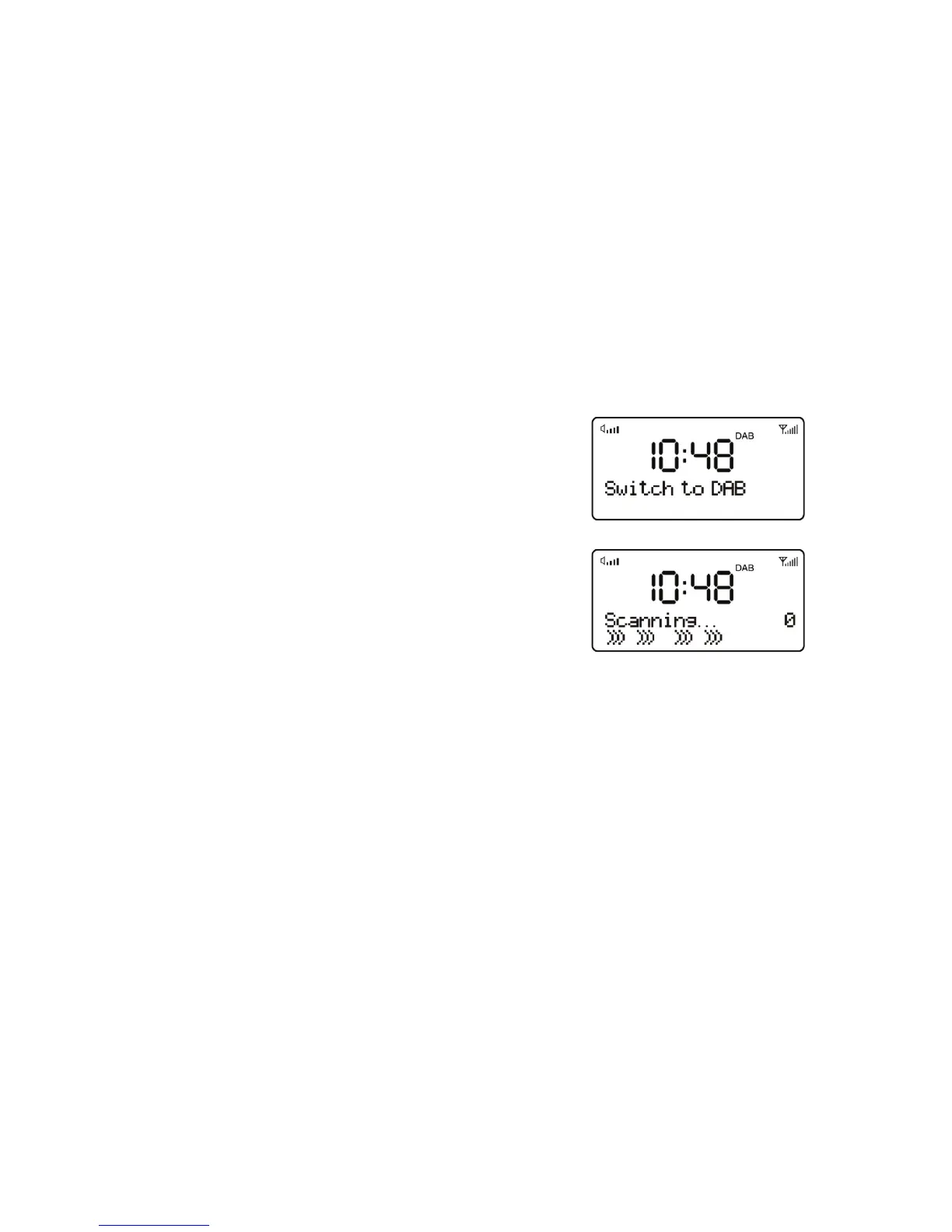
3. Short press the FUNCTION button to
select DAB mode.
For the first time use or if the station list is
empty, the radio automatically performs a full
scan to see what stations are available, the
display shows the scan progress and the
total channel number during the scanning.
4. When the scan progress is completed, it will then set the time and
start playing the first station on the station list it finds.
5. To change the station, press DOWN or UP button to scroll through
the list of stations and press ENTER button to tune to the displayed
station. The Now playing screen is displayed with the new station
details.
6. If no stations are detected during the scan the display will show
“NO DAB Station”.
Notes:
1. Just like Digital TV there are some areas where it may still be
difficult to get a good DAB signal. The broadcasters are constantly
improving DAB coverage, so in some cases it may be necessary to
wait before some or all DAB services become available. You can


 To Next Page