EasyManua.ls Logo

DNP CX-D80DS - User Manual

Default Icon
47 pages
Print Icon
To Next Page IconTo Next Page
Loading...
No.HD003 <Rev.004>
2019/2
SERVICE MANUAL
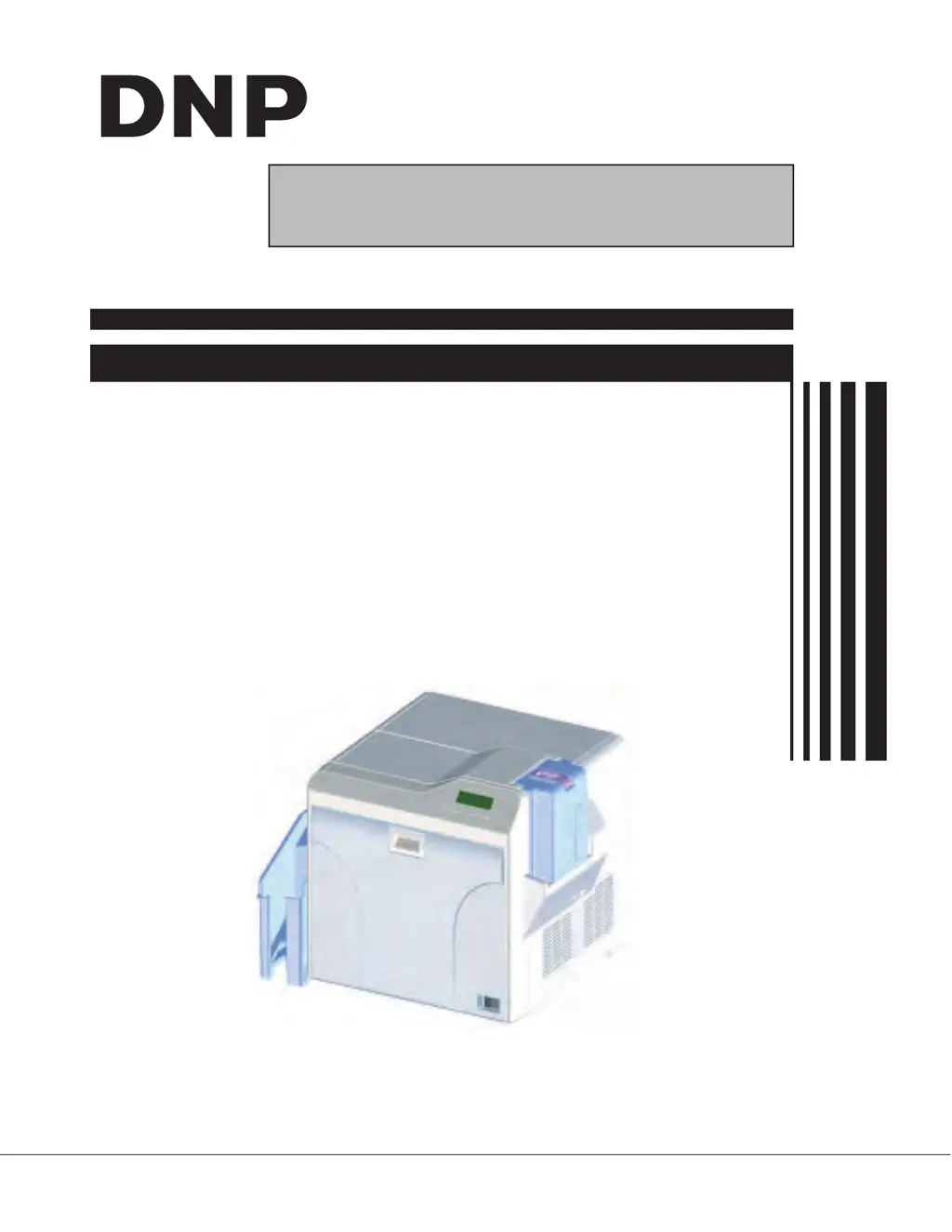
CARD PRINTER
CX-D80D, CX-D80DS,
CX-D80SR, CX-D80SRS,
CX-D80DR

Questions and Answers

Summary

SECTION 1 PRECAUTION

1.1 SAFETY PRECAUTIONS

Essential safety guidelines for handling and servicing the printer.

1.1.2 Safety Check after Servicing

Procedures to verify compliance with safety standards after repairs.

SECTION 2 SPECIFIC SERVICE INSTRUCTIONS

2.5 ATTACHING THE SEPARATELY SOLD PARTS

Step-by-step instructions for installing optional components.

SECTION 3 DISASSEMBLY

SECTION 5 TROUBLE SHOOTING

5.1 When an error message is display

Guidance on interpreting and resolving printer error messages and codes.

5.2 Use of service mode

Instructions on how to access and utilize the printer's service mode for diagnostics.

5.6 Troubleshooting Sheet

A structured form for recording and diagnosing printer issues.

DNP CX-D80DS Specifications

General IconGeneral
BrandDNP
ModelCX-D80DS
CategoryPrinter
LanguageEnglish

Related product manuals