EasyManua.ls Logo

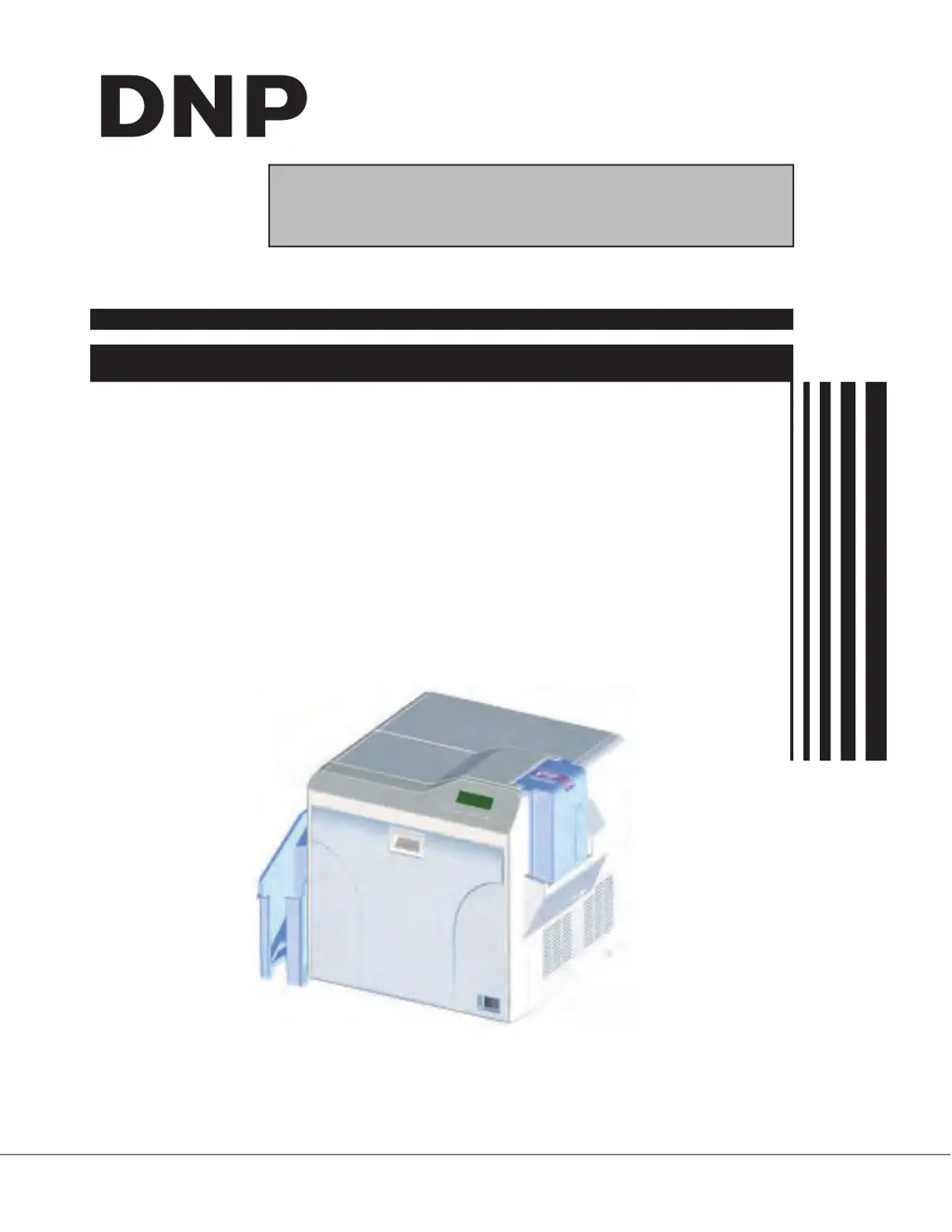
DNP CX-D80D - User Manual

DNP CX-D80D
47 pages
Print Icon
To Next Page IconTo Next Page
Loading...
No.HD003 <Rev.004>
2019/2
SERVICE MANUAL
CARD PRINTER
CX-D80D, CX-D80DS,
CX-D80SR, CX-D80SRS,
CX-D80DR

Questions and Answers

Summary

SECTION 1 PRECAUTION

SAFETY PRECAUTIONS

General safety warnings and precautions for servicing the printer.

Precautions during Servicing

Specific safety guidelines to follow when performing maintenance.

SECTION 2 SPECIFIC SERVICE INSTRUCTIONS

MODEL NAME

Identifies the different printer models and their basic structure.

Model name of built in option units

Lists optional units that can be built into the printer.

Life time of each parts

Details the expected lifespan of durable and consumable parts.

Name and functions of parts

Identifies external and internal components of the printer.

ATTACHING THE SEPARATELY SOLD PARTS

Preparation

Steps to prepare the unit before attaching optional parts.

Attaching the reform H unit

Attaching the IC contact unit

Attaching the MG unit

Attaching the IC R;W unit

Check details after mounting separately sold parts

IC contact position adjustment

Optional installed label

SECTION 3 DISASSEMBLY

Removing the covers

Step-by-step instructions for removing the printer covers.

Removing the front panel unit

Removing the major boards and major units

Replacing the head unit

Removing the reform H unit

Replacing the heater on the heat unit

Removing the motor base unit

SECTION 5 TROUBLE SHOOTING

When an error message is display

How to interpret error codes and messages displayed on the panel.

No Card Error

Troubleshooting steps for when the printer runs out of cards.

Jam Errors

Resolving various card jam issues in different printer sections.

Film and Ink Errors

Troubleshooting film search, ink errors, and ink search issues.

Hardware and Overheat Errors

Addressing hardware failures and temperature-related printer errors.

Use of service mode

Entry into service mode

Steps to access and navigate the service mode menu.

Explanation of the Various Modes

Maintenance

Procedures for adjusting settings like printing position and sensor levels.

Off-line Test

Execute built-in test patterns and MG self-test.

Diag. Test

Test individual motors, sensors, and registers.

Information

View firmware versions, serial numbers, and heater data.

Push and Pop

Function to save and load printer settings from EEPROM.

Wiring diagram

Block diagram

DNP CX-D80D Specifications

General IconGeneral
BrandDNP
ModelCX-D80D
CategoryPrinter
LanguageEnglish

Related product manuals