1-46 (No.HD003<Rev.004>)
5.6 Troubleshooting Sheet
Rev. 1.0
Customer Details
Device Info.
Company Department Model Printer
In-charge TEL FAX Serial No.
Note 1) Printer
In-charge TEL FAX Purchase date Printer
Details of Trouble (Multiple entries allowed) Frequency of Occurrence (Multiple entries allowed) Timing of Occurrence (Multiple entries allowed)
A: Does not switch to the Ready mode. Always Immediately after purchase
B: printing defect Sometimes (at regular intervals) A while after purchase
D: card jam (feed defect) About cards out of cards months after purchase
E: magnetic card encoding defect About cards every months Since days ago
F: IC card encoding defect Sometimes (multiple cards discharged at one time) After film exchang
After ink replacement
G: other defects (PC communication, printed image, etc.) When such trouble frequently occurs After card replenis
Early morning
About cards out of cards After installation conditions are changed, e.g. change of layout
Others [ ]
Note 1) Enter the eight-digit number indicated on the label at the rear of the printer.
A: Does not switch to the Ready mode.
Printer power does not turn on.
Does not proceed beyond initialization stage.Printer display [ ]
Error occurs during initialization.Printer error message display [ ]
Others (Enter the symptoms in H.)
B: printing defect
Characters or facial portraits appear double.
ab
Bleeding occurs in the characters or facial portraits.
Streaks or wrinkles appear on the characters or facial po
a b c d
Printing position is not properly aligned. by mm Displaced toward front side rear side hopper (upper) stacker (lower).
a: Characters appear blurred.
a b c
b: Characters appear crushed.
c: some parts of the characters are missing.
Ink serial no. [ ]
a: Printing voids or colored spots about the size of foreig
a b c d
b, c: relatively large printing voids
d: nothing is printed.
Transferred onto film?
Yes No large printing voids
Retransfer film serial no. [ ]
Other printing defects
When requesting for repair, please also send photos of currently used cards or cards for which the symptoms can be identified.
D: card jam (feed defect) F: IC card encoding defect If F and/or G is selected
Encoding defect occurs inside the printer.
please also enter the following.
Type contact non-contact
Connection between printer and PC
IC data cannot be read by another reader.
USB connection
Reader model [ ]
Network connection
G: ot
G: other defects (PC communication, unstable operation, etc.)
Software application
Communication error occurs.
Manufacturer
PC does not recognize printer. Product name
PC does not recognize the encoder inside the printer. Version
E: magnetic card encoding defect Encoder Magnetic Contact IC Non-contact IC encoder
Encoding defect occurs inside the printer. Others Is the driver supplied with the printer used?
Magnetic data cannot be read by another reader. Reader model [ ]
Yes
Type JIS ISO Hidden Not sure
Please enter the symptoms in H.
No
Coercivity Oe Not sure Not sure
H: Symptom description (please describe the symptoms in concrete details.
Similar symptoms were observed in the past
To be entered by receiving personnel Received on: (DDMMYY):
Repair no. Repair classification Free Paid
Contact of Personnel-in-charge
Secondary Dealer
Company Department Company Depar
Name TEL FAX Name FAX
Mail Mail
Select one or more items from A to G by ticking the corresponding checkbox.
TEL
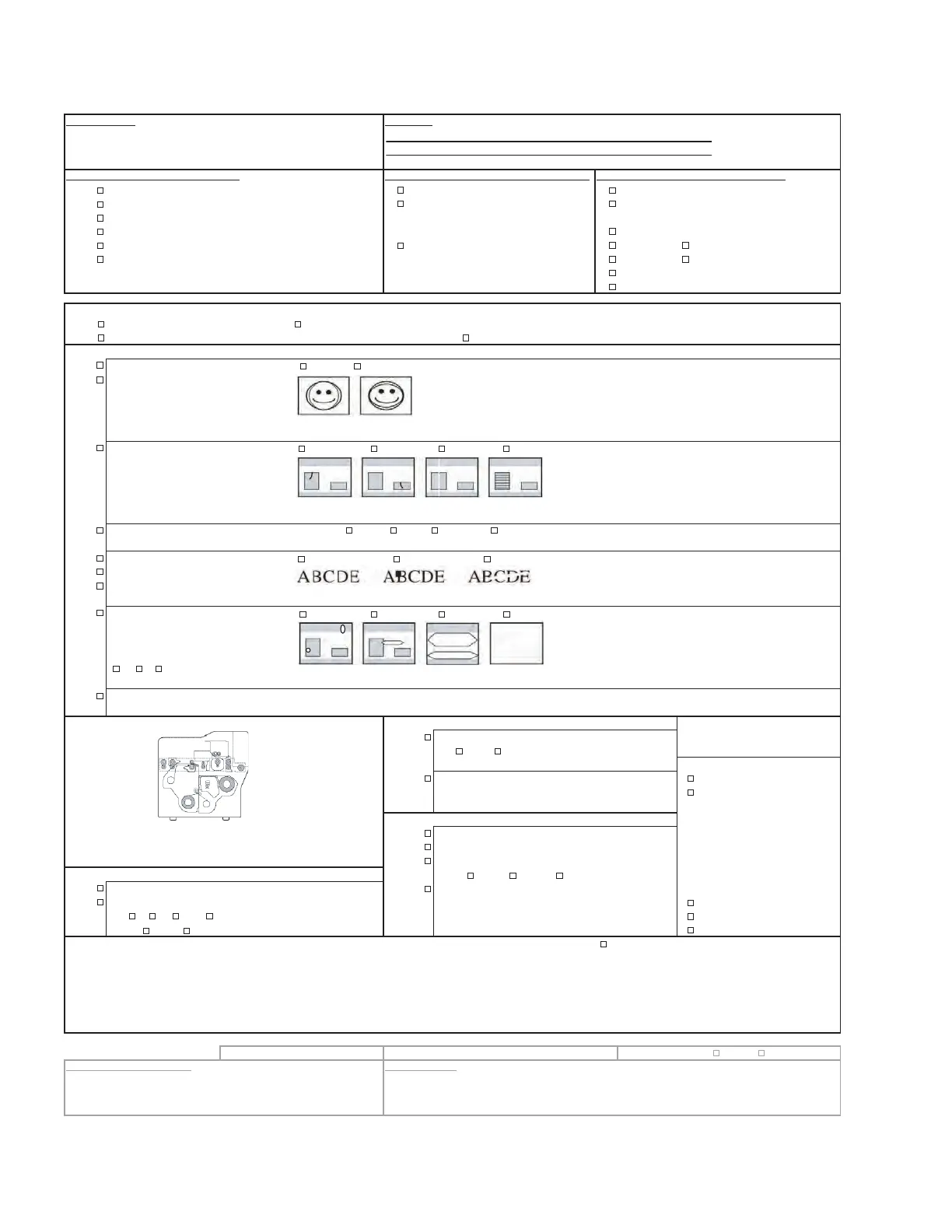
Please indicate the
location of occurrence on
the left diagram.


 To Next Page
 Loading...










