1-16 (No.HD003<Rev.004>)
SECTION 3
DISASSEMBLY
Before disassembly, be sure to turn OFF the power and unplug
the power cord.
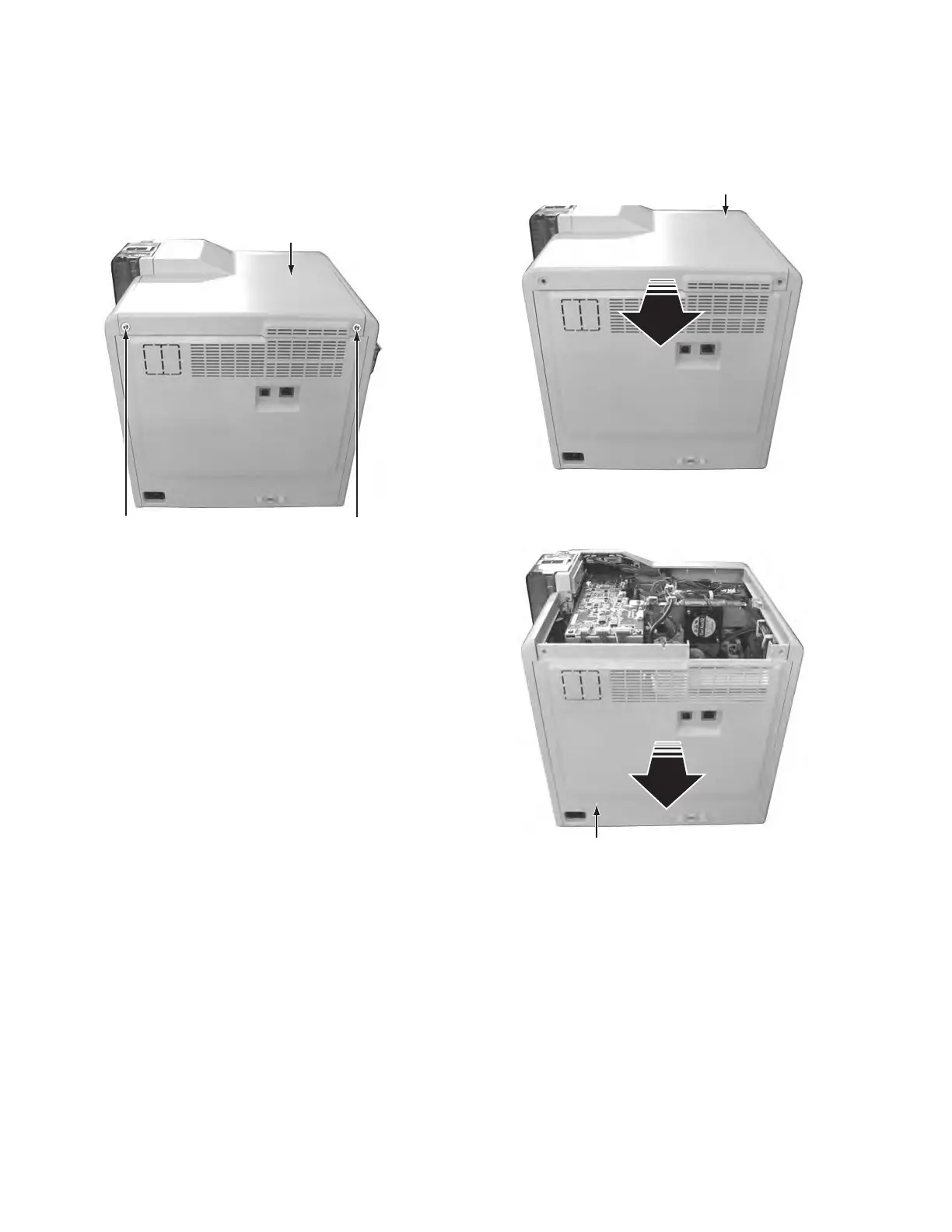
3.1 Removing the covers (See figure 1 to figure 4)
(1) Remove the two screws A attaching the top cover unit.
Fig.1
(2) Slide the top cover unit to the rear side, then remove the
top cover unit.
Fig.2
(3) Pull the rear cover unit open to the rear side, then remove
the rear cover unit.
Fig.3
Rear cover unit



 To Next Page