1-24 (No.HD003<Rev.004>)
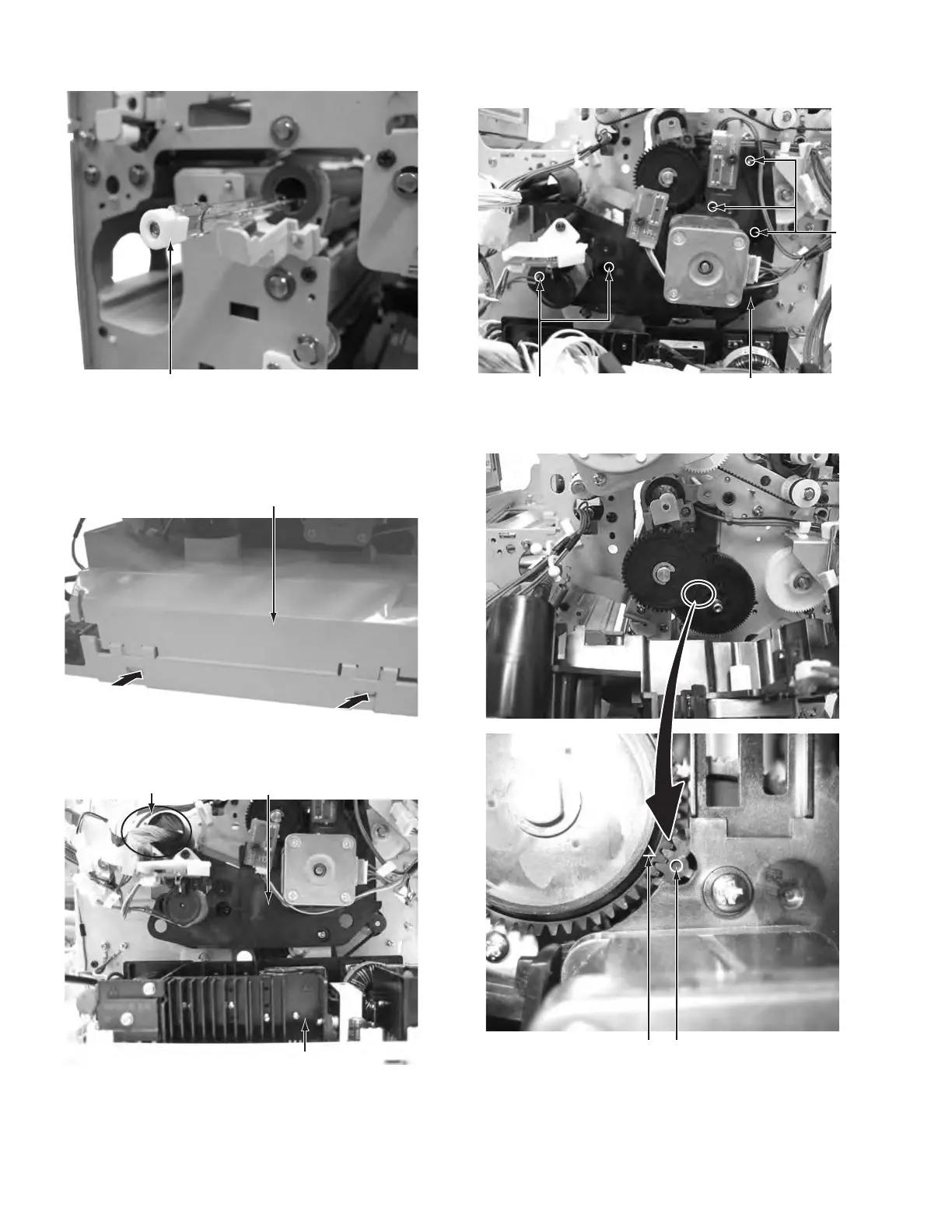
(2) Pulled out heater.
Fig.39
3.7 Removing the motor base unit (See figure 40 to figure
43)
(1) Push two tabs on the PS cover, then remove the PS cover.
Fig.40
(2) Main unit with the PS cover removed
Fig.41
(3) Remove the five screws V attaching the motor base unit,
then remove the motor base unit.
Fig.42
(4) Main unit with the motor base unit removed.
Fig.43
Power supply unit
Motor base unitCable for head unit
Motor base unit
V
V
When the gear is detached, the position of a triangula
sign and a round sign is matched and installed.



 To Next Page