Dirty Platen Roller
The Platen roller is responsible for feeding the paper roll through the printer at the
correct tension to ensure the correct feed rate of the paper. If prints are coming
out with marks on them, it is often dust on the platen roller that causes this. To
clean:
1. Remove the paper spool as per the instructions above.
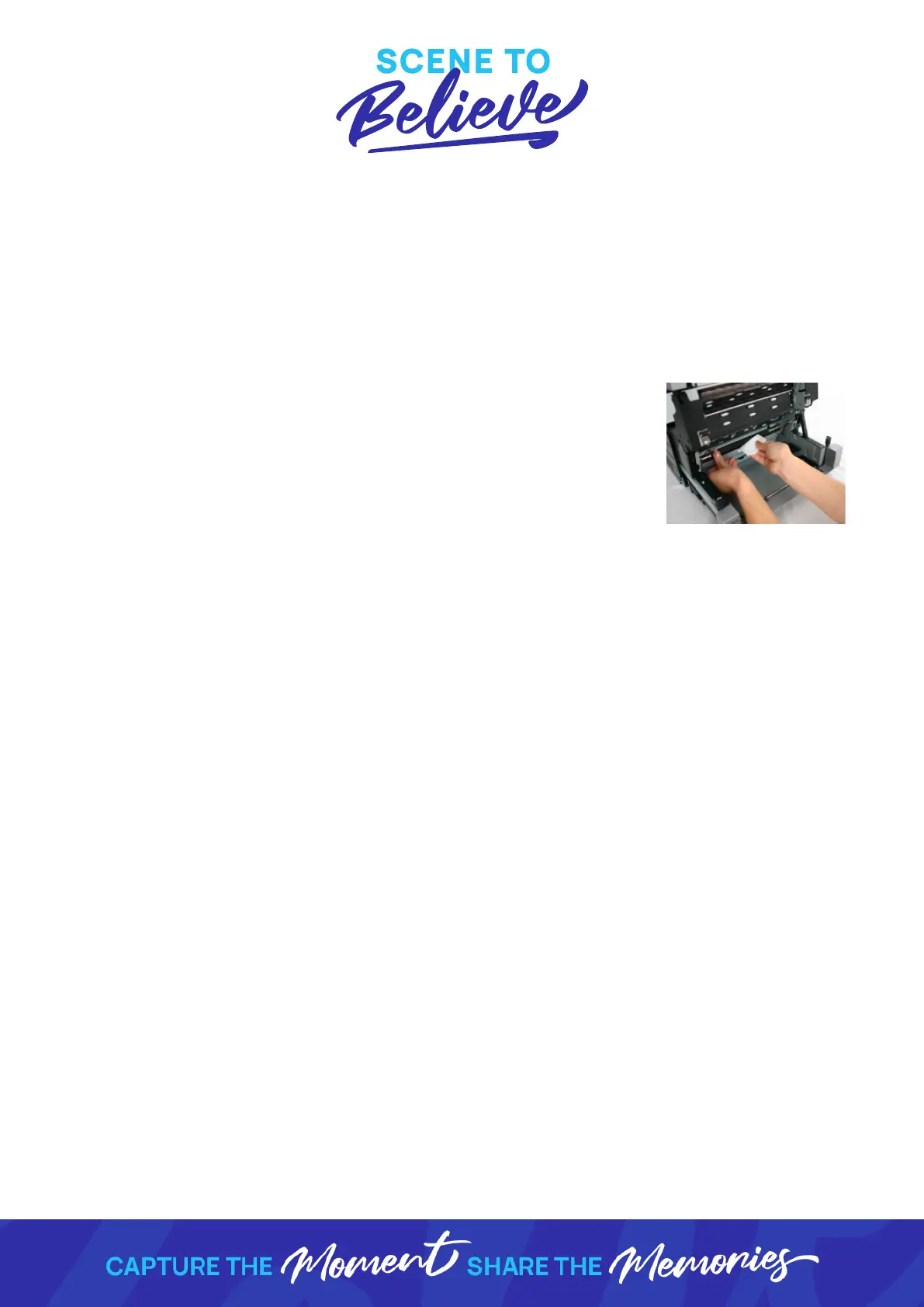
2. Using the lint free wipes & cleaning alcohol provide in your
road case, wipe the platen roller with an alcohol soaked
wipe whilst rotating the roller (Figure 11).
3. Replace the paper spool.
Figure 11 - Cleaning the
platen roller



 To Previous Page