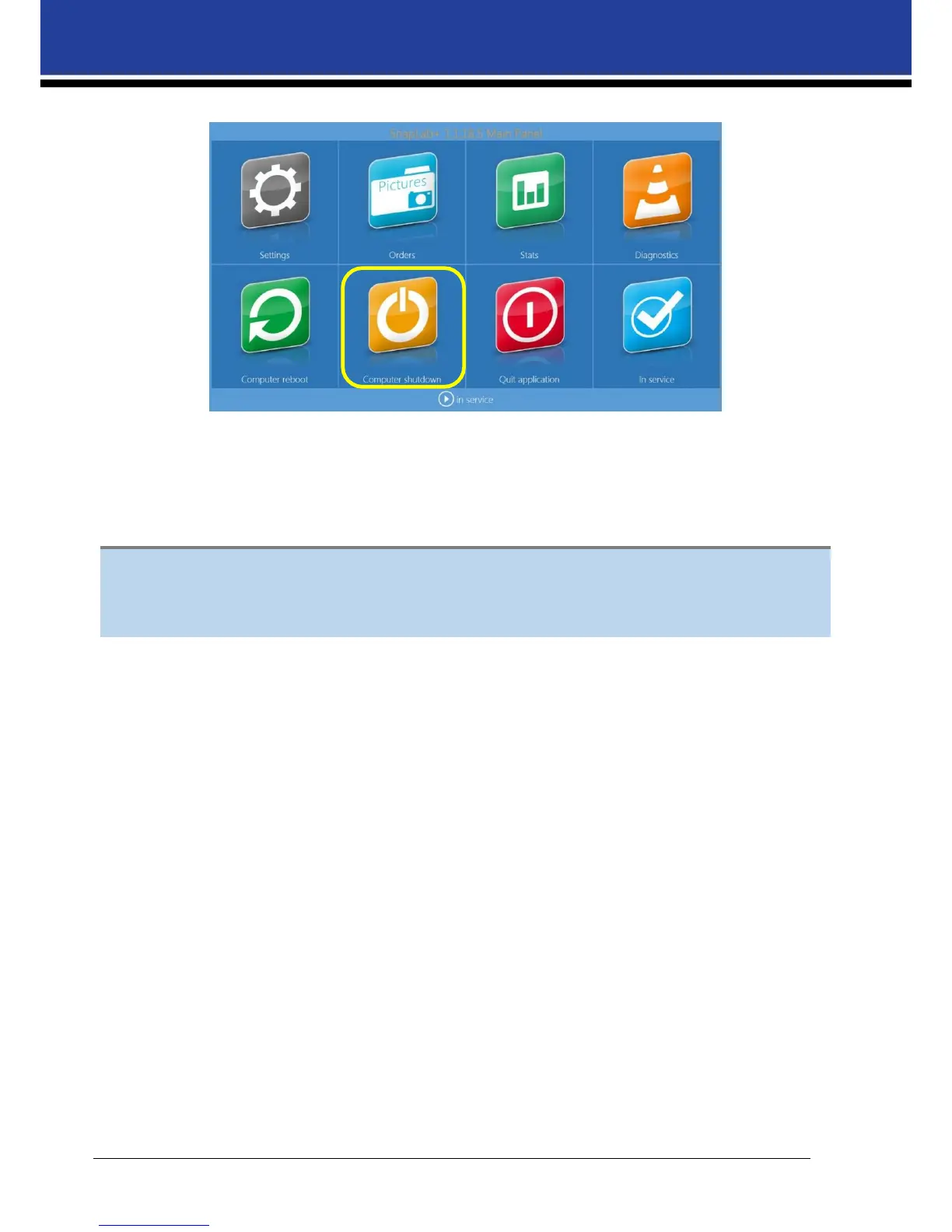
2) Click on Computer shutdown button
3) Wait until DS-Tmini automatically switches OFF.
4) Switch OFF the DS620A printer.
5) Disconnect the power cables.
For any technical issue(s) and question(s), please contact the DNP IAM technical support team at:
dnpsupport@dnp.imgcomm.com
Troubleshooting Chapter


 To Previous Page