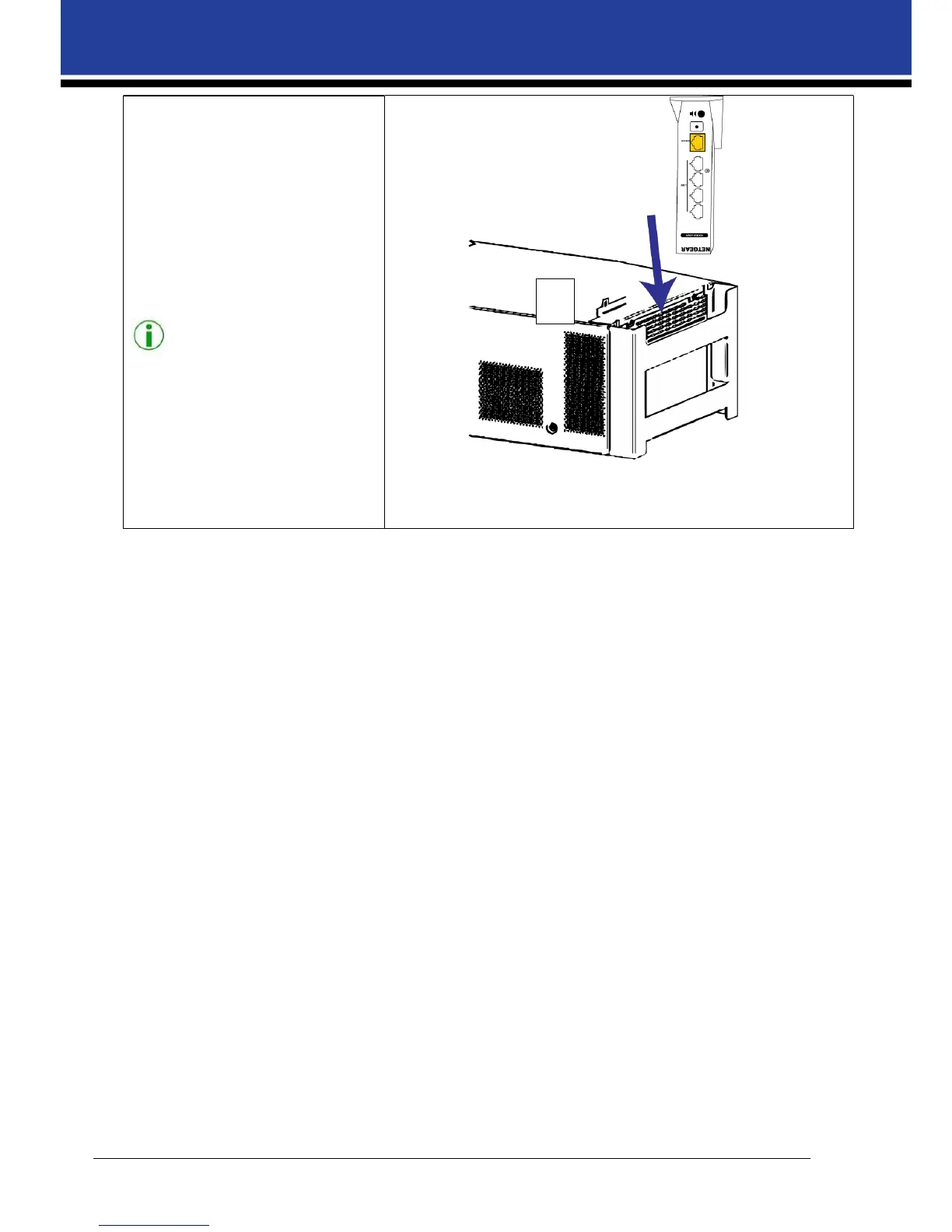
7. Insert the Wi-Fi router into the
router support.
8. Connect the supplied network
cable and power cable to the
WiFi router before inserting the
router into the mounting
bracket. Connect the Ethernet
cable to the LAN port 1 – 4 (not
the Yellow Internet Port).
Note:
Connect the supplied network cable
and power cable to the router before
inserting the router into the
mounting bracket.
7



 To Next Page