1010 11
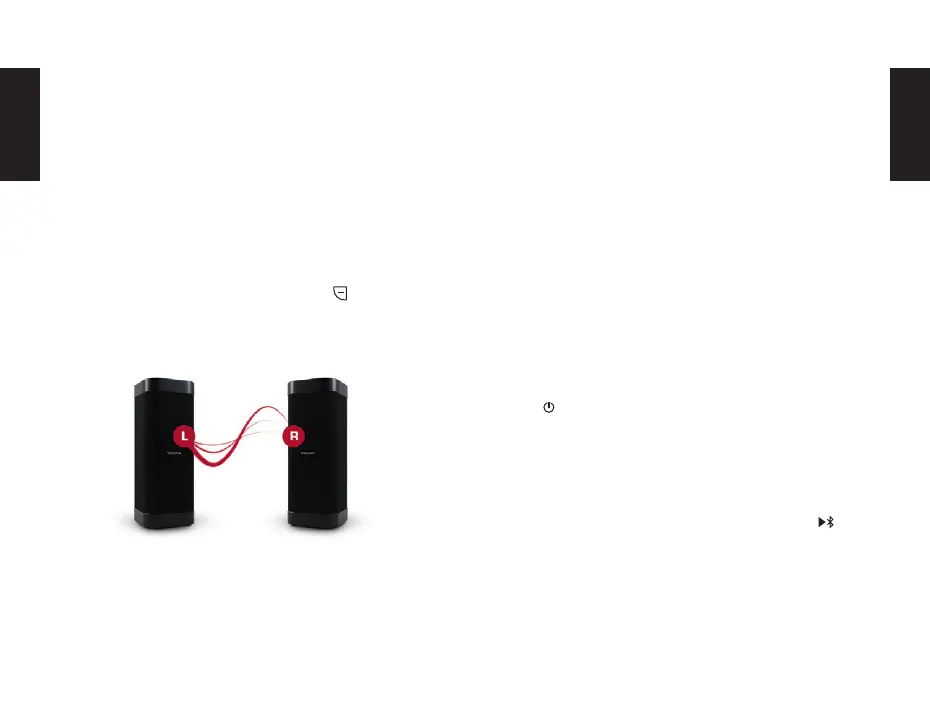
The volume and volume changes are applied to both de-
vices. The pairing information is stored. This will automati-
cally reconnect the speakers the next time they start up.
The left / right assignment is saved as well.
By pressing the pairing button again for 3 seconds, the
pairing can be temporarily deactivated.
It is also possible to completely erase the pairing informa-
tion by pressing the Play / Bluetooth and the button for
3 seconds. This will also erase the stored playback devices.
POWERBANK
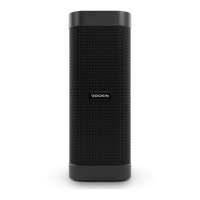
The D MATE DIRECT includes a power bank feature that all-
ows you to charge smartphones and other source devices.
Simply connect the device to be charged to the USB out-
put. For this, the supplied USB cable or a standard char-
ging cable for your device can be used. The USB output
has an output voltage of 5V at a current of 1A.
Even when switched o, the power bank on the DOCKIN
D MATE DIRECT can be used. To activate, briey press
the button.
EN
EN
SPEAKERPHONE FUNCTION
The DOCKIN D MATE DIRECT can be used to receive calls
from your connected smartphone. Just press the but-
ton shortly to accept a call or hang up, if you have an active
call. A long press will reject an incoming call.
Please note that a stereo link can only be established
between two similar D MATE versions. So two D MATE
DIRECT can be connected, one D MATE and a D MATE DI-
RECT can not be connected. This is due to the dierent
sound dispersion characteristics.


 To Next Page