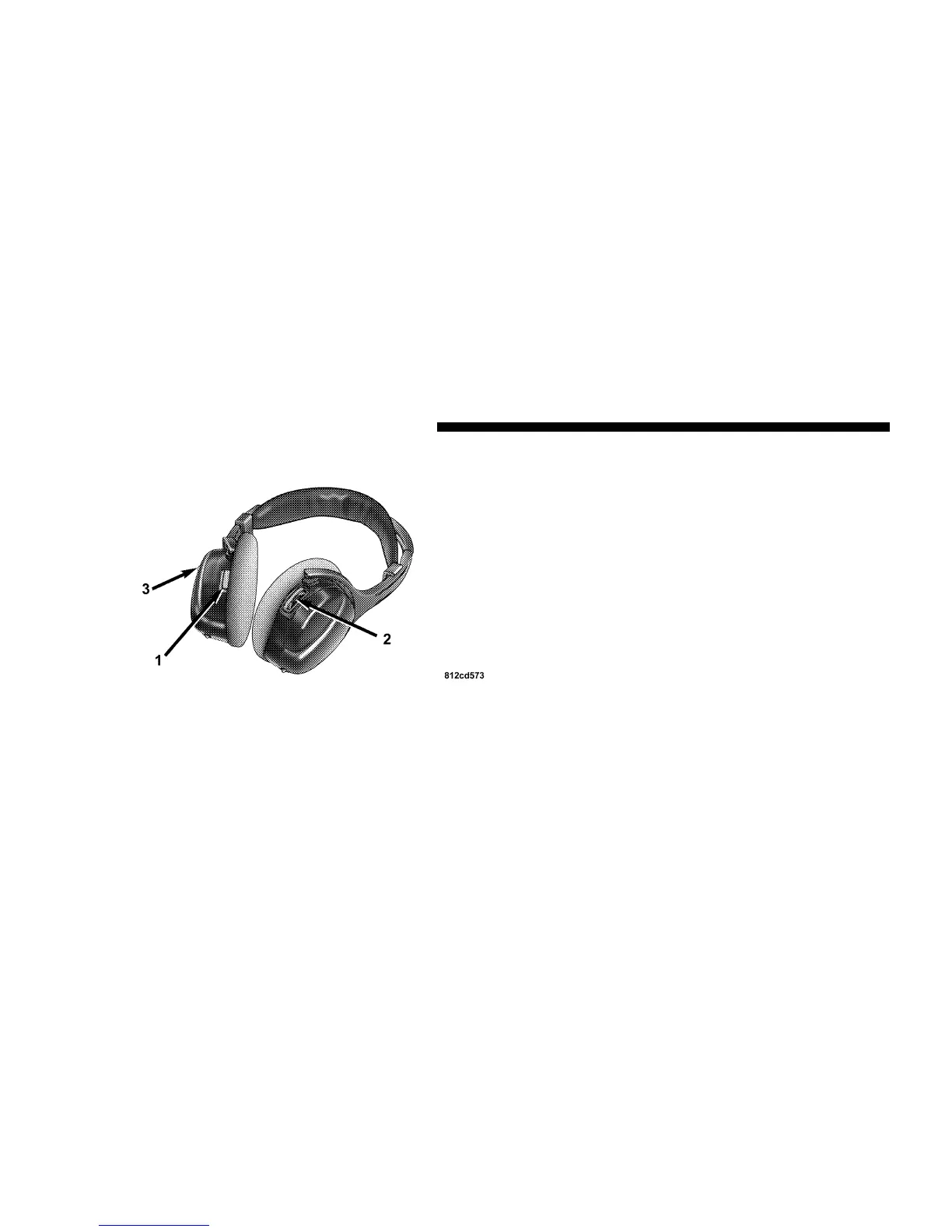
Operating Instructions — Headphones
1. Power Button
2. Volume Control
3. Power Indicator
Power Button
Pressing the power button will turn the headphones
ON/OFF. An indicator light will illuminate on the head-
phone earpiece to indicate the headphones are ON.
NOTE:
•
The headphones will turn off automatically in ap-
proximately 3 minutes if they lose the signal form the
system or when the radio or rear audio/video system
is turned off.
Volume Control
Rotate the volume control to adjust the volume to the
desired listening level.
Headphone Battery Service
•
Press the button at the bottom of each headphone
earpiece and lift the cover upward.
Headphone Controls
268 UNDERSTANDING YOUR INSTRUMENT PANEL












 To Next Page