NOTE: The system will display the last known outside
temperature when starting the vehicle and may need to
be driven several minutes before the updated tempera-
ture is displayed. Engine temperature can also affect the
displayed temperature; therefore, temperature readings
are not updated when the vehicle is not moving.
The compass/trip computer, when the appropriate con-
ditions exist, will show the following messages in the
odometer display:
•
Door Ajar (door)
•
Lift Gate Ajar (gATE)
•
Loose Fuel Cap (gASCAP)
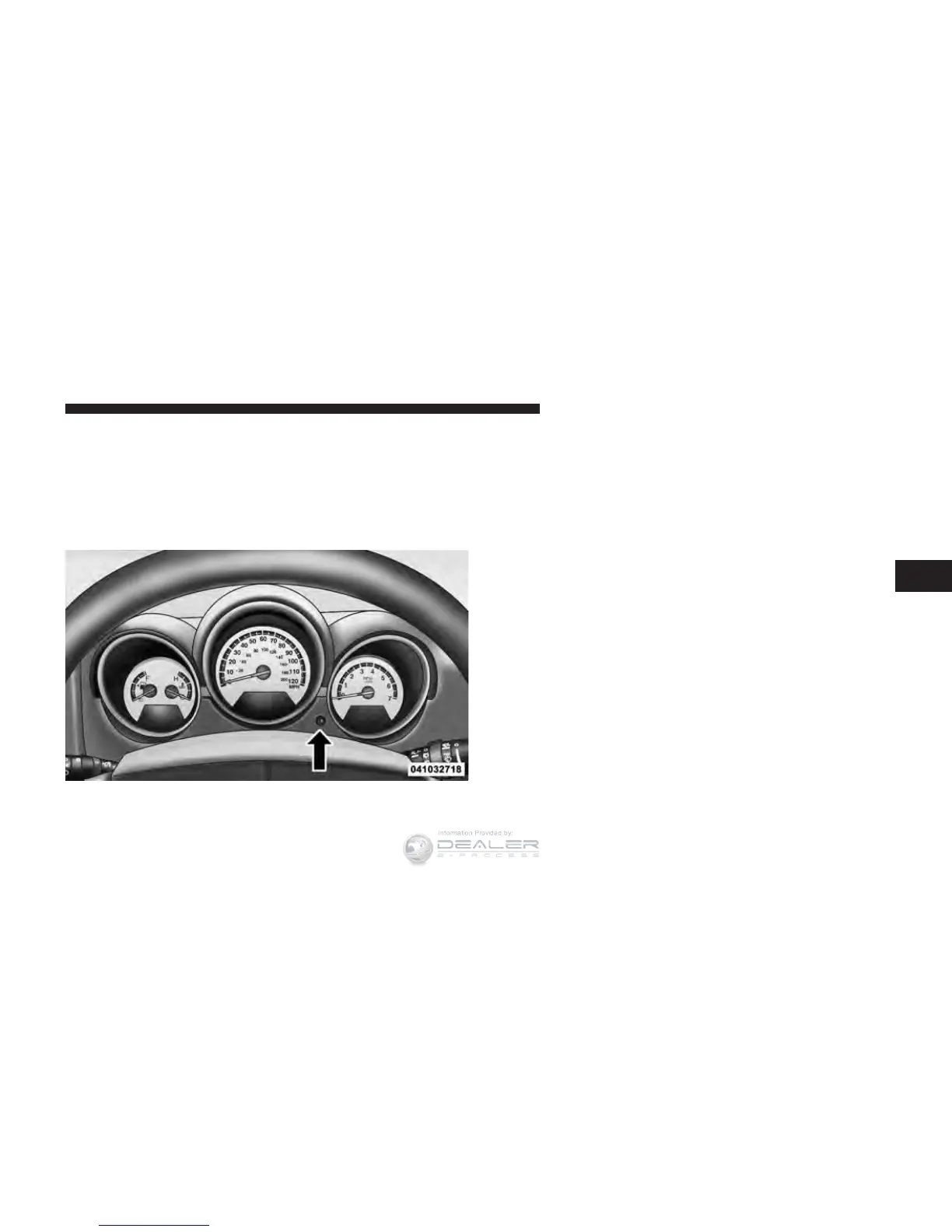
These messages can be manually turned off by pressing
the right button (on the instrument cluster).
Trip Conditions
Trip Odometer (ODO) / ECO (Fuel Saver Indicator)
— If Equipped
This display shows the distance traveled since the last
reset. Press and release the right button (on the instru-
ment cluster) to switch from odometer to Trip A or Trip B
or to ECO. Press and hold the right button while the
odometer/trip odometer is displayed to reset.
Display Button
4
UNDERSTANDING YOUR INSTRUMENT PANEL 213















 To Next Page