3. Release the CMTC reset button, then press and hold
again for approximately 10 seconds, until the direction is
displayed, with the CAL indicator on continuously in the
display.
4. To complete the compass calibration, drive the vehicle
in one or more complete 360–degree circles, under 5 mph
(8 km/h) in an area free from power lines and large
metallic objects, until the CAL indicator turns off. The
compass will now function normally.
ELECTRONIC VEHICLE INFORMATION CENTER
(EVIC) — IF EQUIPPED
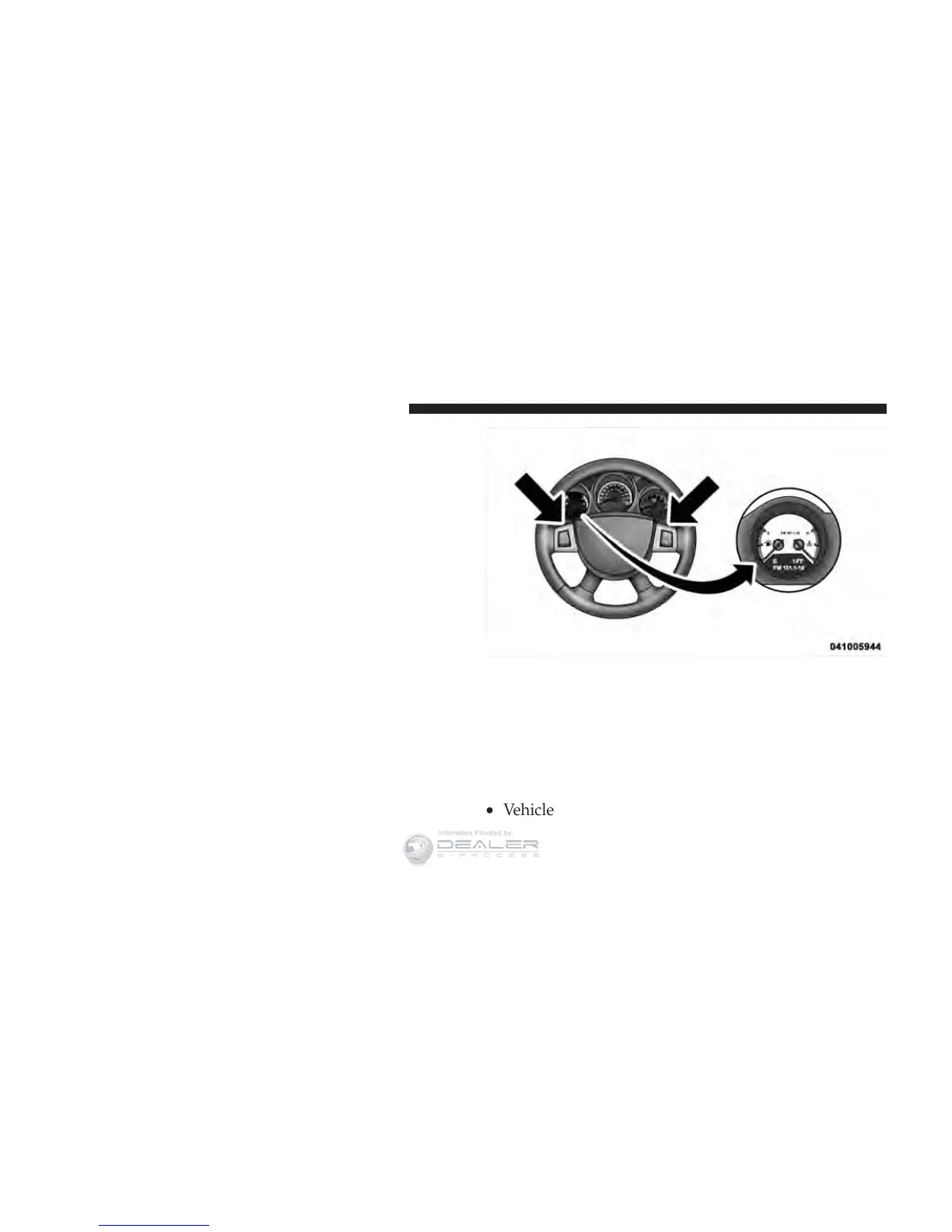
The Electronic Vehicle Information Center (EVIC) fea-
tures a driver-interactive display that is located in the
instrument cluster.
This system conveniently allows the driver to select a
variety of useful information by pressing the switches
mounted on the steering wheel. The EVIC consists of the
following:
•
System Status
•
Vehicle Information Warning Message Displays
Electronic Vehicle Information Center (EVIC)
216 UNDERSTANDING YOUR INSTRUMENT PANEL















 To Next Page