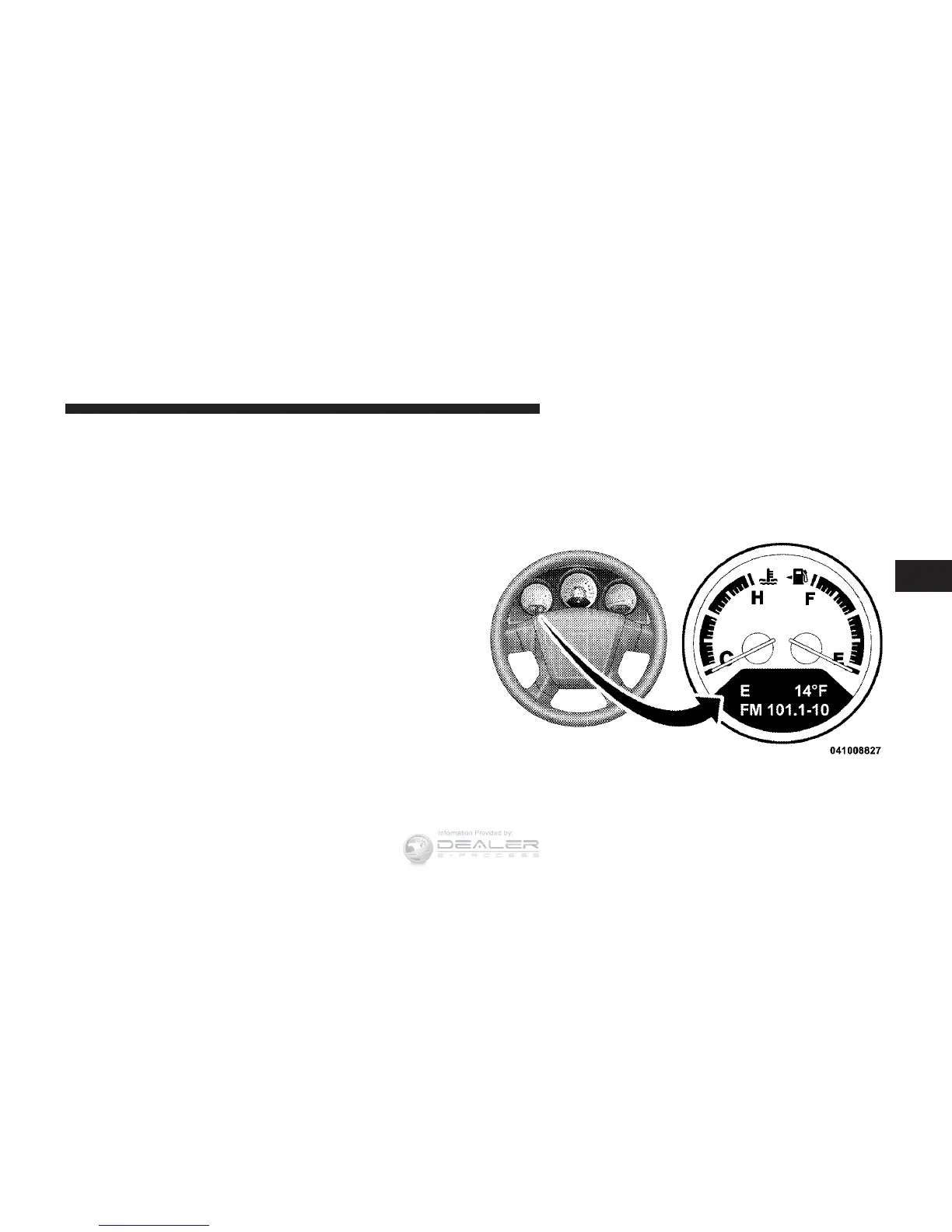
29. Electronic Vehicle Information Center (EVIC)
Display — If Equipped
When the appropriate conditions exist, this display
shows the EVIC messages.
Refer to the Electronic Vehicle Information Center (EVIC)
for further information.
30. Electronic Vehicle Information Center (EVIC)
Display Button — If Equipped
Press the left EVIC button to scroll through sub-menus.
Press and hold the reset button for approximately two
seconds, to reset the display shown.
Refer to the Electronic Vehicle Information Center (EVIC)
for further information.
ELECTRONIC VEHICLE INFORMATION CENTER
(EVIC) — IF EQUIPPED
The Electronic Vehicle Information Center (EVIC) fea-
tures a driver-interactive display that is located in the
instrument cluster.
Electronic Vehicle Information Center (EVIC)
4
UNDERSTANDING YOUR INSTRUMENT PANEL 205












 To Next Page