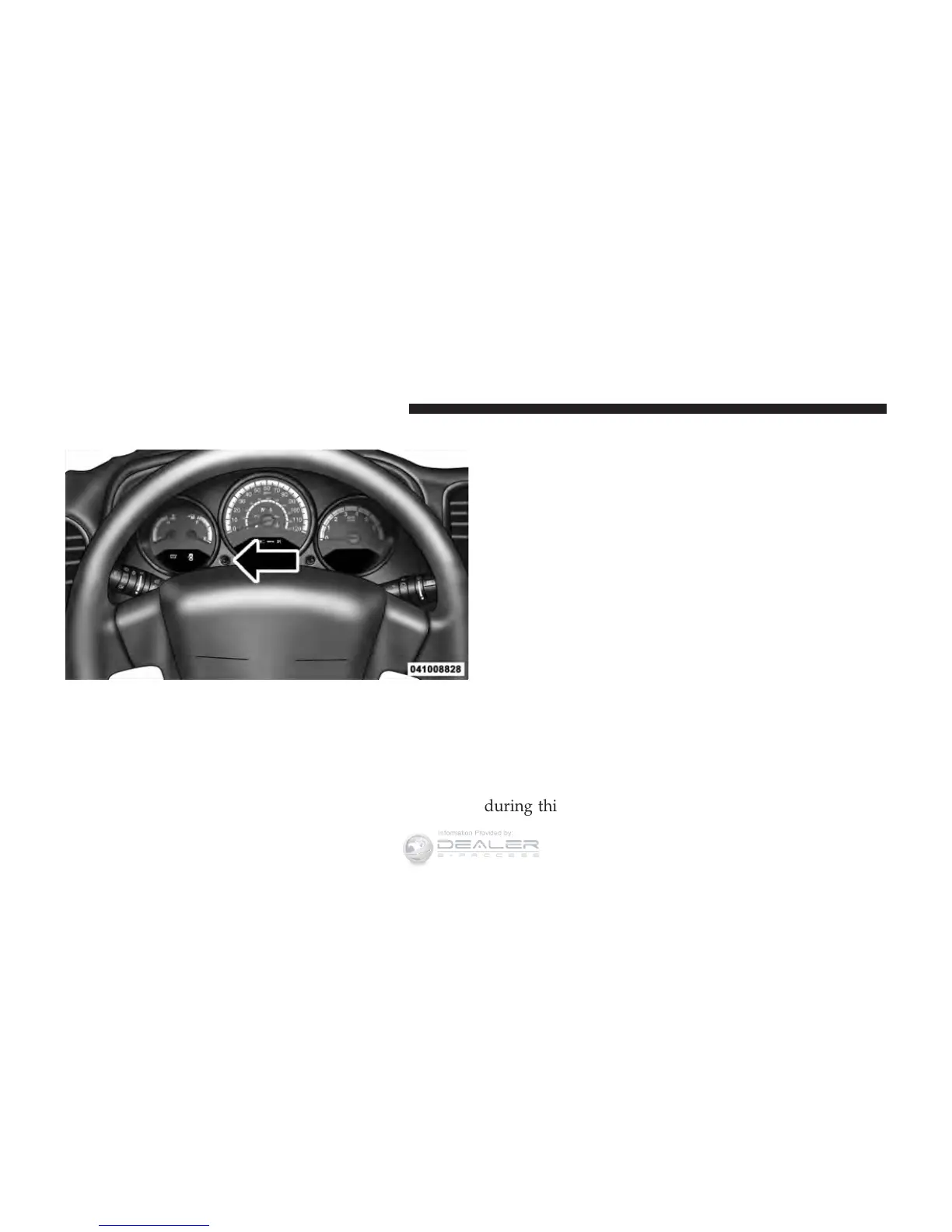
EVIC Functions
Press the EVIC button until one of the following func-
tions are displayed on the EVIC:
•
Compass/Temperature/Audio
•
Average Fuel Economy
•
Distance To Empty (DTE)
•
Elapsed Time
•
Tire Pressure Monitor (TPM)
•
Personal Settings
To Reset The Display
Pressing and holding the EVIC button once will clear the
function currently being displayed. Reset will only occur
if a resettable function is currently being displayed. To
reset all resettable functions, press and release the EVIC
button a second time within three seconds of resetting the
currently displayed function (reset ALL will be displayed
during this three-second window).
EVIC Button
208 UNDERSTANDING YOUR INSTRUMENT PANEL












 To Next Page