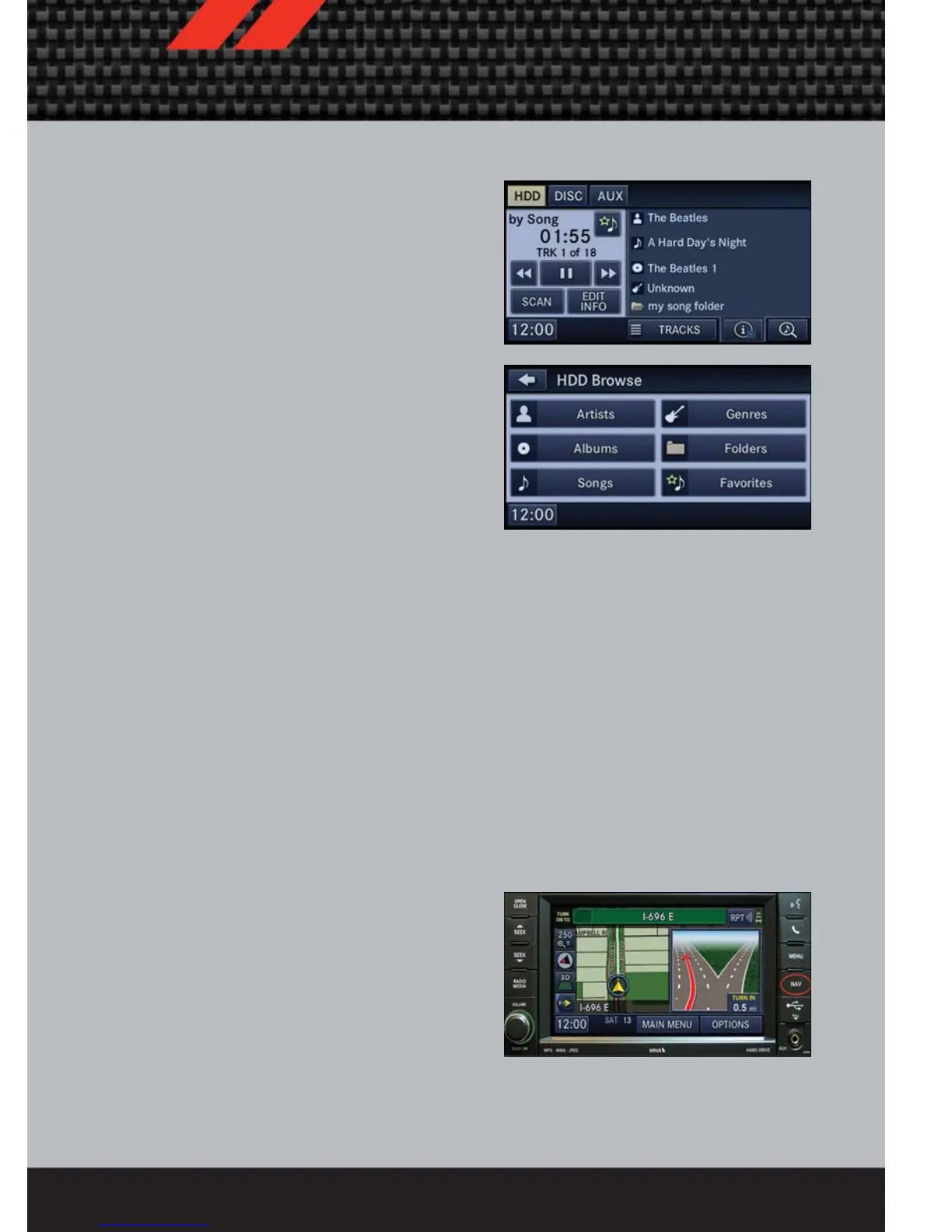
Playing Music From The HDD
• Press the “RADIO/MEDIA” hard key
until the media source tabs are
displayed at the top of the screen.
Touch the “HDD” soft-key tab. Touch
the desired track soft-key to play or
touch the “SEARCH/BROWSE”
soft-key to search by artist, by album,
by song, by genre, from a folder, or
from Favorites.
Cleaning Your Touch-Screen Radio
• Do not spray any liquid or caustic chemicals directly on the screen. Use a clean
and dry micro fiber lens cleaning cloth in order to clean the touch-screen.
• If necessary, use a lint-free cloth dampened with a cleaning solution such as
isopropyl alcohol or an isopropyl alcohol and water solution ratio of 50:50. Be sure
to follow the solvent manufacturer's precautions and directions.
NAVIGATION
• Your navigation system receives GPS signals from up to 16 satellites to display the
position of your vehicle. Map and database information is supplied through a hard
disk drive.
• Touch the “NAV” hard-key on the radio face plate to access the Navigation system
and the NAV – Main Menu.
NOTE: For your own safety and the safety of others, it is not possible to use certain
features while the vehicle is in motion.
ELECTRONICS
61















 To Next Page